High-Performance Inference with vLLM
Introduction
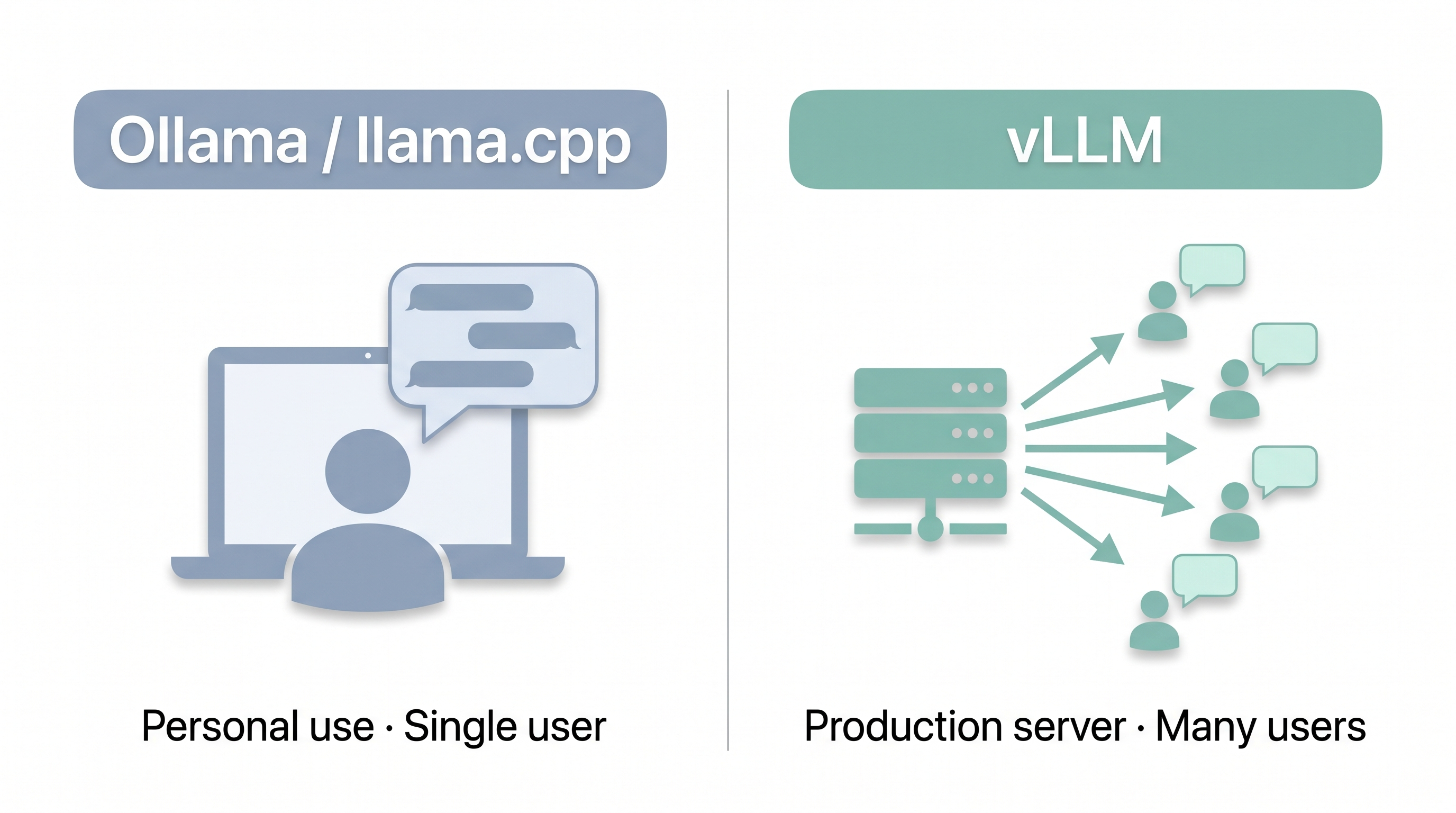
vLLM is a high-throughput LLM serving engine designed for production deployments. While Ollama and llama.cpp are excellent for individual use, vLLM shines when you need to serve LLMs as an API backend with high throughput and efficient memory management.
Think of the difference this way:
- Ollama/llama.cpp = personal development tools (single user)
- vLLM = production server (multiple users, high throughput)
Installation
NVIDIA Jetson AI Lab provides officially optimized Docker images and curated model recipes for vLLM on Jetson Orin — all dependencies are pre-built and tested, no version conflicts.
Step 1: Pull the vLLM Docker Image
sudo docker pull ghcr.io/nvidia-ai-iot/vllm:latest-jetson-orinStep 2: Start a Model Server
sudo docker run -it --rm --pull always \
  --runtime=nvidia --network host \
  -e HF_ENDPOINT=https://hf-mirror.com \
  -v $HOME/.cache/huggingface:/root/.cache/huggingface \
  ghcr.io/nvidia-ai-iot/vllm:latest-jetson-orin \
  vllm serve cyankiwi/Qwen3.5-4B-AWQ-4bit \
  --gpu-memory-utilization 0.8 \
  --enable-prefix-caching \
  --reasoning-parser qwen3 \
  --enable-auto-tool-choice \
  --tool-call-parser qwen3_coder
Step 3: Test the API
Once the server is up (you'll see Uvicorn running on http://0.0.0.0:8000), open a new terminal and test:
# List available models
curl http://localhost:8000/v1/models

# Send a chat request
curl -s http://localhost:8000/v1/chat/completions \
  -H "Content-Type: application/json" \
  -d '{
    "model": "cyankiwi/Qwen3.5-4B-AWQ-4bit",
    "messages": [{"role": "user", "content": "What is edge computing?"}]
  }'
Try More Models
All the following are verified and ready to run on Jetson Orin with the same Docker image. Just swap the model name in the command above:
| Model | Command |
|---|---|
| Qwen3.5 2B | vllm serve Qwen/Qwen3.5-2B |
| Qwen3.5 9B | vllm serve Qwen/Qwen3.5-9B |
| Qwen3 8B | vllm serve Qwen/Qwen3-8B |
| Gemma 4 E4B | vllm serve google/gemma-4-E4B-it |
| Gemma 4 E2B | vllm serve google/gemma-4-E2B-it |
| Gemma 3 4B | vllm serve google/gemma-3-4b-it |
| Gemma 4 26B-A4B (AWQ) | vllm serve cyankiwi/gemma-4-26B-A4B-it-AWQ-4bit |
| Nemotron Nano 9B v2 | vllm serve nvidia/Nemotron-Nano-9B-v2 |
| Nemotron3 Nano 30B-A3B | vllm serve nvidia/Nemotron3-Nano-30B-A3B |
Larger models (Qwen3.5 9B+) or AWQ quantized models need more VRAM. On Orin Nano 8GB, stick to 2B–4B models. On Orin NX 16GB or AGX Orin 32GB/64GB, you can run 8B–30B (MoE) models comfortably.
Browse the full list and copy ready-to-run commands at: jetson-ai-lab.com/models
Python Examples
Basic Chat
from openai import OpenAI

client = OpenAI(
    base_url="http://localhost:8000/v1",
    api_key="not-needed"
)

response = client.chat.completions.create(
    model="Qwen/Qwen3.5-2B",
    messages=[
        {"role": "system", "content": "You are a helpful assistant."},
        {"role": "user", "content": "Explain edge computing in 3 sentences."}
    ],
    temperature=0.7,
    max_tokens=150
)

print(response.choices[0].message.content)
Streaming Responses
from openai import OpenAI

client = OpenAI(
    base_url="http://localhost:8000/v1",
    api_key="not-needed"
)

stream = client.chat.completions.create(
    model="Qwen/Qwen3.5-2B",
    messages=[{"role": "user", "content": "Write a haiku about robots."}],
    stream=True,
    max_tokens=100
)

for chunk in stream:
    if chunk.choices[0].delta.content:
        print(chunk.choices[0].delta.content, end="", flush=True)
print()
References
- Jetson AI Lab — Models — official curated list of Jetson-optimized models with ready-to-run Docker commands
- NVIDIA AI IoT — vLLM Container — the official vLLM Docker image for Jetson Orin
- vLLM Documentation
Next: Continue to Module 5.5: Jetson Examples Quick Start to deploy LLMs with a single command!