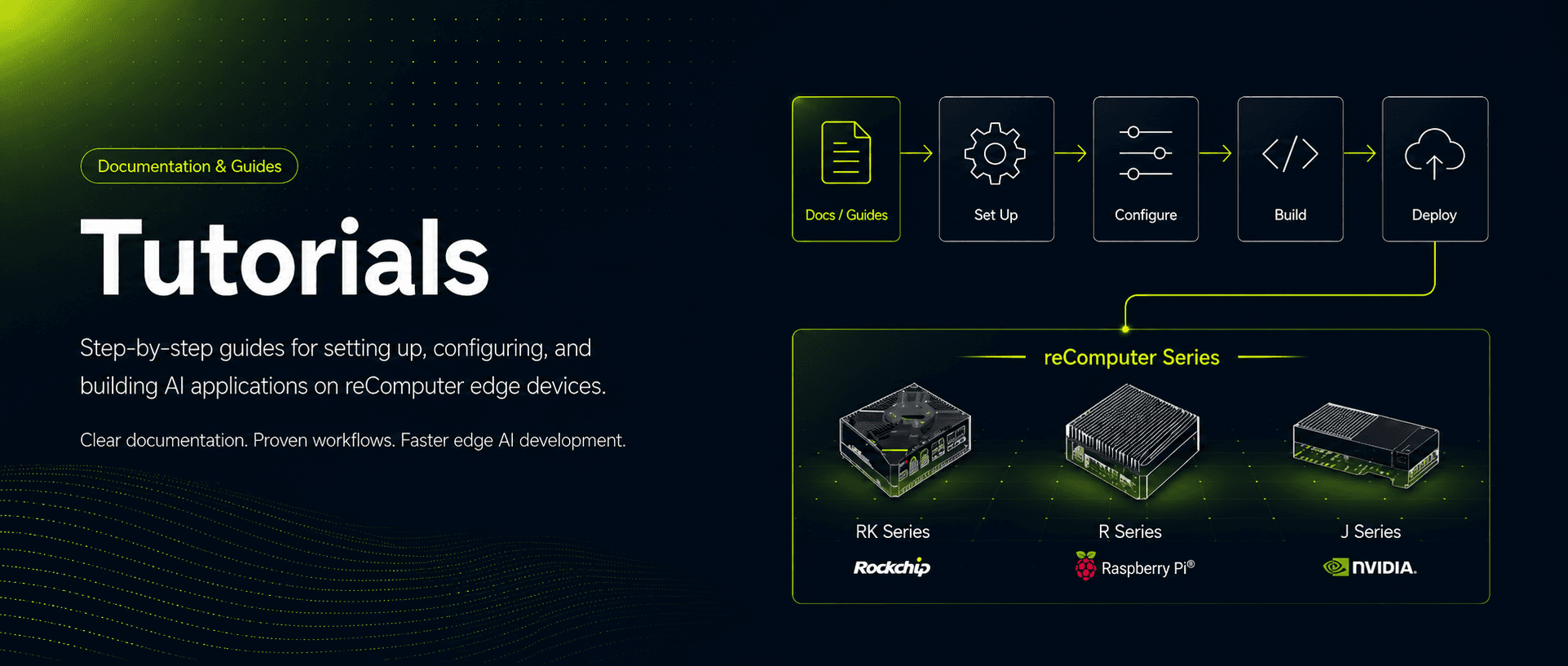
Tutorials
reComputer RK Series

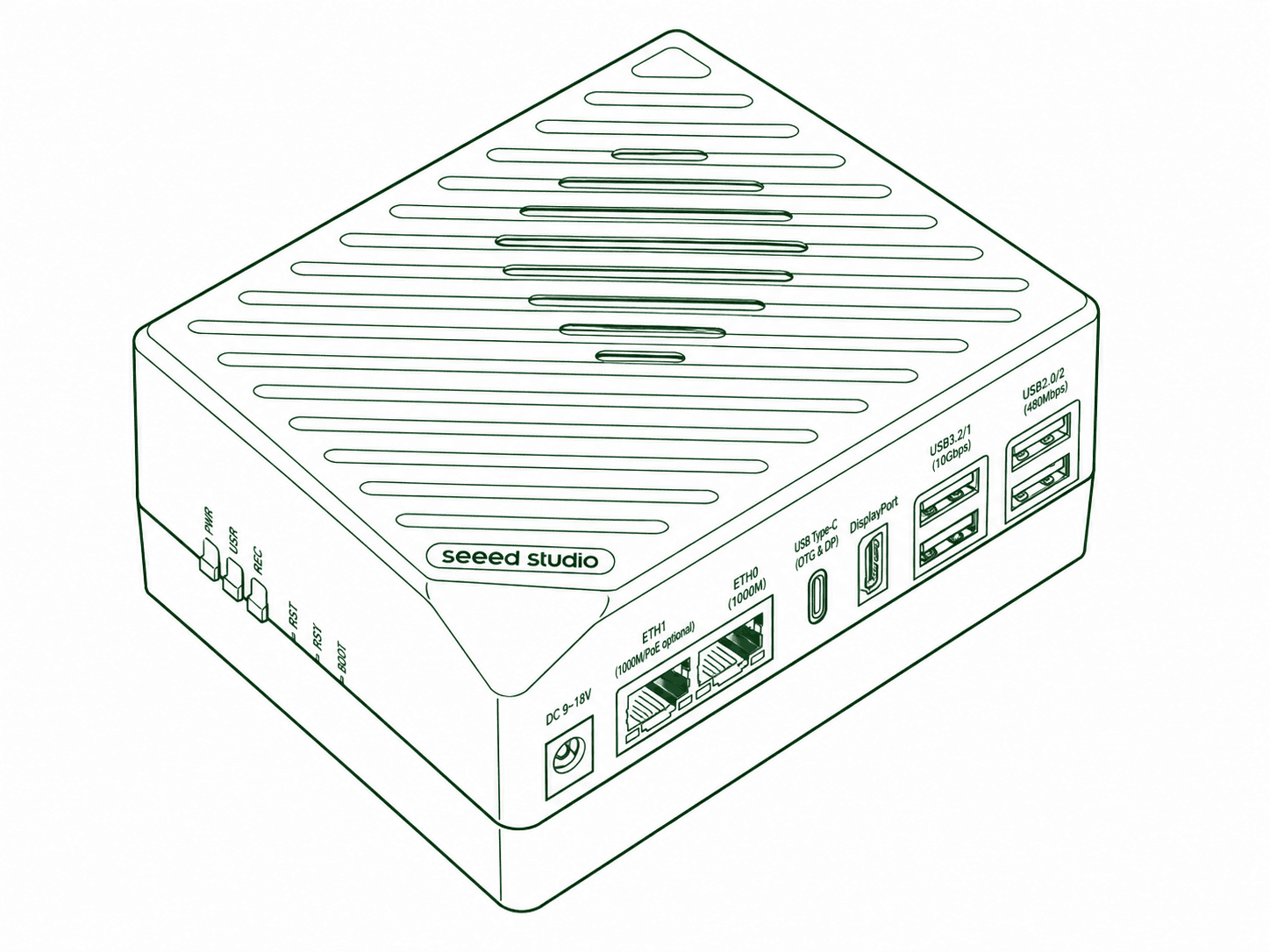
Set up Rockchip-based reComputer RK devices, configure hardware interfaces, and follow computer vision and local language model deployment guides.
reComputer R Series

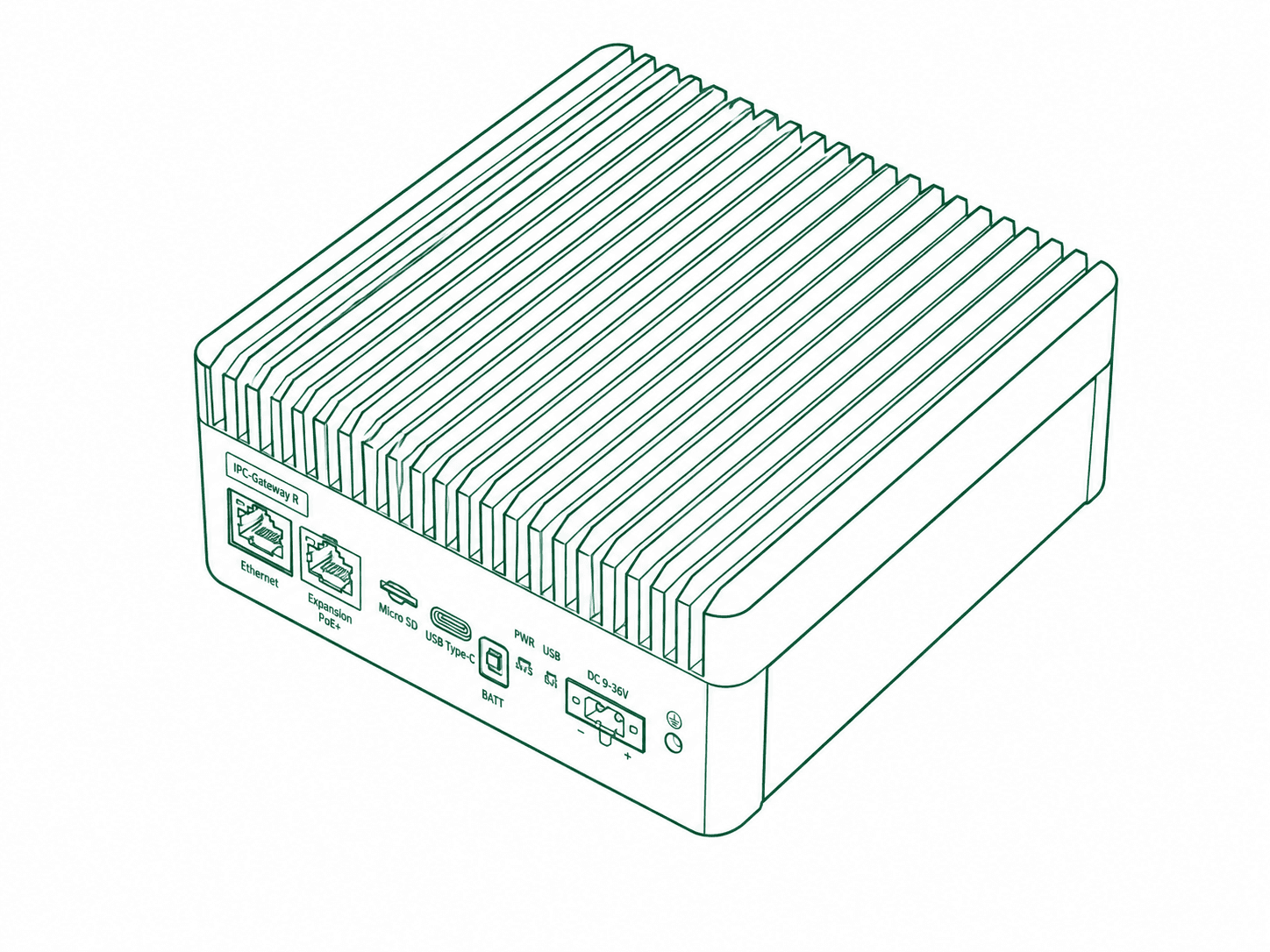
Get started with Raspberry Pi-based reComputer R devices, from system setup and connectivity to computer vision applications with Hailo accelerators.
reComputer J Series

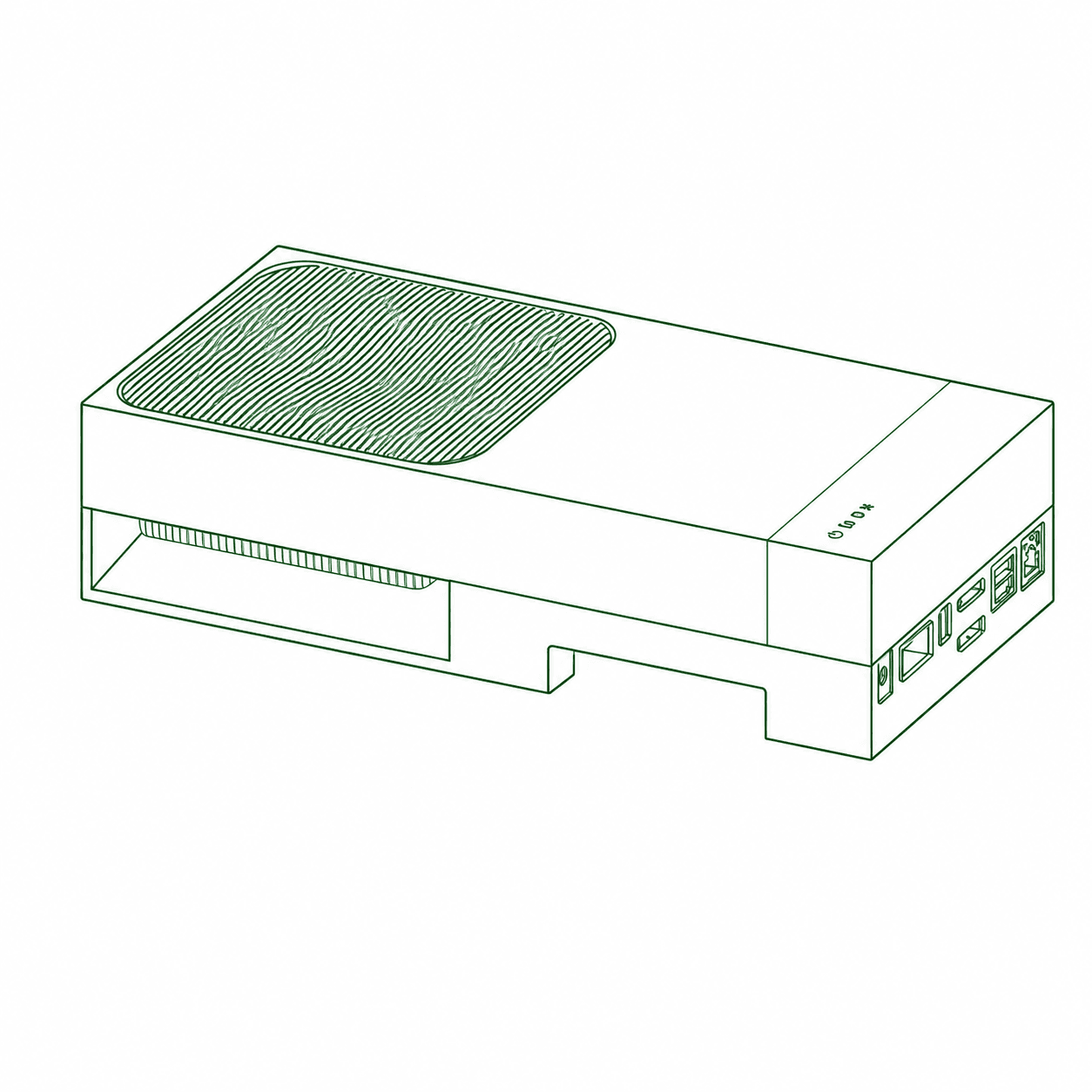
Learn NVIDIA Jetson-based reComputer development, from hardware setup and Python fundamentals to computer vision, local language models, and robotics.
Popular Guides
Recommended starting points for the most common use cases
Hardware Connection
Configuration on First Boot
Install the System on the SSD
Interface Description
Introduction
Python and Programming Fundamentals
Getting Started with Ollama
Introduction to Computer Vision
All tutorials
reComputer RK Series (47)
- reComputer RK3576 Overview
Edge AI Computers / reComputer RK3576
- reComputer RK3576 Hardware Connection
Edge AI Computers / reComputer RK3576 / Getting Started
- reComputer RK3576 First Boot Configuration
Edge AI Computers / reComputer RK3576 / Getting Started
- reComputer RK3576 Flash OS
Edge AI Computers / reComputer RK3576 / Getting Started
- reComputer RK3576 Resource Downloads
Edge AI Computers / reComputer RK3576 / Getting Started
- reComputer RK3576 Interface and Mainboard Overview
Edge AI Computers / reComputer RK3576 / Interface Usage Guidelines
- reComputer RK3576 Hardware Interfaces
Edge AI Computers / reComputer RK3576 / Interface Usage Guidelines
- reComputer RK3576 Google Coral USB Accelerator
Edge AI Computers / reComputer RK3576 / Interface Usage Guidelines / External AI Accelerators
- reComputer RK3576 DEEPX DX-M1 M.2 Accelerator
Edge AI Computers / reComputer RK3576 / Interface Usage Guidelines / External AI Accelerators
- reComputer RK3576 Hailo-8 M.2 Accelerator
Edge AI Computers / reComputer RK3576 / Interface Usage Guidelines / External AI Accelerators
- reComputer RK3576 ASUS UGen300 USB AI Accelerator
Edge AI Computers / reComputer RK3576 / Interface Usage Guidelines / External AI Accelerators
- reComputer RK3588 Overview
Edge AI Computers / reComputer RK3588
- reComputer RK3588 Hardware Connection
Edge AI Computers / reComputer RK3588 / Getting Started
- reComputer RK3588 First Boot Configuration
Edge AI Computers / reComputer RK3588 / Getting Started
- reComputer RK3588 Flash OS
Edge AI Computers / reComputer RK3588 / Getting Started
- reComputer RK3588 Resource Downloads
Edge AI Computers / reComputer RK3588 / Getting Started
- reComputer RK3588 Interface and Mainboard Overview
Edge AI Computers / reComputer RK3588 / Interface Usage Guidelines
- reComputer RK3588 Hardware Interfaces
Edge AI Computers / reComputer RK3588 / Interface Usage Guidelines
- reComputer Industrial RK3576 Overview
Edge AI Computers / reComputer Industrial RK3576
- reComputer RK3576 Module Dev Kit Overview
Module Dev Kit / RK3576 Module Dev Kit
- reComputer RK3576 Module Dev Kit Hardware Connection
Module Dev Kit / RK3576 Module Dev Kit / Getting Started
- reComputer RK3576 Module Dev Kit First Boot Configuration
Module Dev Kit / RK3576 Module Dev Kit / Getting Started
- reComputer RK3576 Module Dev Kit Resource Downloads
Module Dev Kit / RK3576 Module Dev Kit / Getting Started
- reComputer RK3576 Module Dev Kit Flash OS
Module Dev Kit / RK3576 Module Dev Kit / Getting Started
- reComputer RK3576 Module Dev Kit Hardware Interfaces
Module Dev Kit / RK3576 Module Dev Kit
- reComputer RK3576 Module Dev Kit RK1820 LLM and VLM Deployment
Module Dev Kit / RK3576 Module Dev Kit
- reComputer RK Network Connection and Remote Access
- Install Docker on Armbian
Applications
- Computer Vision
Applications
- LLM Deployment
Applications
- Nanobot with a Local LLM
Applications
- VLM Deployment
Applications
- AIoT Overview
Applications / AIoT
- Unattended Remote Access with RustDesk
Applications / AIoT / RustDesk
- Install FUXA on the reComputer RK Series
Applications / AIoT / FUXA
- Build a FUXA SCADA Monitoring Demo
Applications / AIoT / FUXA
- Install Home Assistant
Applications / AIoT / Home Assistant
- Modbus TCP Data Collection and Visualization
Applications / AIoT / Home Assistant
- Customize the Interface with HACS and Catppuccin
Applications / AIoT / Home Assistant
- Install N3uron
Applications / AIoT / N3uron
- Collect OPC UA Data with N3uron
Applications / AIoT / N3uron
- Getting Started with Node-RED
Applications / AIoT / Node-RED
- MQTT Communication with Node-RED
Applications / AIoT / Node-RED
- RK3576 Frigate NVR Setup
Applications / AIoT / Frigate
- RK3576 Frigate: RKNN Object Detection
Applications / AIoT / Frigate
- RK3576 and RK3588 Computer Vision Benchmarks
Benchmarks
- RK3576 and RK3588 LLM and VLM Benchmarks
Benchmarks
reComputer R Series (5)
- Overview
- Choose the Correct reComputer R Series Guide
Getting Started
- Flash the OS and Complete First-Boot Checks
Getting Started
- Verify the Hailo Accelerator and Runtime
Getting Started
- Frigate NVR with Hailo and Home Assistant
Applications
reComputer J Series (100)
- Introduction
- Overview
Platform Overview
- What Is reComputer Jetson
Platform Overview
- NVIDIA Jetson Module
Platform Overview
- Seeed Jetson Compatible Carrier Board
Platform Overview
- Jetson Full System Series
Platform Overview
- Accessory Support
Platform Overview
- Application Scenarios
Platform Overview
- Overview
Basic Tools
- Python and Programming Fundamentals
Basic Tools
- AI and ML
Basic Tools
- CUDA
Basic Tools
- TensorRT
Basic Tools
- PyTorch
Basic Tools
- TensorFlow
Basic Tools
- Docker
Basic Tools
- OpenCV with CUDA
Basic Tools
- ROS
Basic Tools
- NoMachine
Basic Tools
- Linux Terminal and Text Editors
Basic Tools
- Network and Wi-Fi
Basic Tools
- SSH Remote Access
Basic Tools
- VNC Remote Desktop
Basic Tools
- Remote File Transfer
Basic Tools
- Jtop and System Monitoring
Basic Tools
- Performance and Fan Control
Basic Tools
- Browser and Input Method
Basic Tools
- VS Code
Basic Tools
- JupyterLab
Basic Tools
- uv Python Environment Manager
Basic Tools
- Wi-Fi Adapter
Basic Tools
- SSD Expansion
Basic Tools
- CSI Camera
Basic Tools
- USB Camera
Basic Tools
- GPIO
Basic Tools
- UART Serial Communication
Basic Tools
- I2C Communication
Basic Tools
- Super 4xMipi CSI
Basic Tools
- Super Dual Ethernet
Basic Tools
- Super Chassis Extension
Basic Tools
- Overview
Computer Vision
- Introduction to Computer Vision
Computer Vision
- How Computers Represent Images
Computer Vision
- Classical Computer Vision
Computer Vision
- Neural Networks and CNNs
Computer Vision
- Deep Learning Computer Vision Tasks
Computer Vision
- Train and Deploy Your Own Vision Model
Computer Vision
- Model Export and Edge Deployment
Computer Vision
- Real-Time Vision Pipeline Frameworks
Computer Vision
- DeepStream and Jetson
Computer Vision
- Frontier Vision Technologies and Outlook
Computer Vision
- Appendix AI NVR on reComputer
Computer Vision
- Overview
Large Model Development
- Introduction to Large Language Models
Large Model Development
- Getting Started with Ollama
Large Model Development
- Running LLMs with llama.cpp
Large Model Development
- High-Performance Inference with vLLM
Large Model Development
- Jetson Examples Quick Start
Large Model Development
- Building ASR + LLM + TTS Pipeline
Large Model Development
- Overview
Generative AI
- Introduction to Generative AI
Generative AI
- Generative Adversarial Networks
Generative AI
- Variational Autoencoders
Generative AI
- Autoregressive Models and Generative Text Models
Generative AI
- Transformer Models and Generative AI
Generative AI
- Local Intelligent Q&A System
Generative AI
- Image Generation Models and Diffusion Models
Generative AI
- Overview
Robotics
- Overview of ROS and Environment Setup
Robotics / Introduction to ROS
- Quick Experience with HelloWorld for ROS
Robotics / Introduction to ROS
- ROS Architecture
Robotics / Introduction to ROS
- ROS Communication Mechanism
Robotics / Introduction to ROS
- Common ROS Commands
Robotics / Introduction to ROS
- ROS Operation Management
Robotics / Introduction to ROS
- Common Components and Features of ROS
Robotics / Introduction to ROS
- Overview
Robotics / ROS1 Noetic
- ROS1 Basics
Robotics / ROS1 Noetic
- ROS1 Vision Applications
Robotics / ROS1 Noetic
- Overview
Robotics / ROS2 Humble
- ROS2 Foundations and Setup
Robotics / ROS2 Humble
- ROS2 Core Communication
Robotics / ROS2 Humble
- ROS2 Advanced Interfaces and Middleware
Robotics / ROS2 Humble
- ROS2 Tools, Launch, and Visualization
Robotics / ROS2 Humble
- ROS2 Simulation and Vision
Robotics / ROS2 Humble
- Overview of the ROS Robot System
Robotics / Development with Physical ROS Robots / Get Started with ROS Robots
- Basic Motion Control Methods
Robotics / Development with Physical ROS Robots / Get Started with ROS Robots
- Depth Camera Sensor
Robotics / Development with Physical ROS Robots / Common Sensor Uses in Robots
- Overview
Practical Applications
- Isaac ROS Environment and Setup
Practical Applications
- Depth Segmentation
Practical Applications
- DNN Stereo Depth
Practical Applications
- Free Space Segmentation
Practical Applications
- Image Rectification and Preprocessing
Practical Applications
- Image Segmentation
Practical Applications
- 3D Scene Reconstruction and Mapping
Practical Applications
- Object Detection
Practical Applications
- 3D Pose Estimation
Practical Applications
- Visual SLAM
Practical Applications
- A-LOAM 3D SLAM on Jetson
Practical Applications
- Summary and Outlook