reComputer RK3576 Module Dev Kit Hardware Connection
Last updated:
Getting Started
Hardware Connection
This page describes the required cables and basic connection sequence. Before using the reComputer RK3576, connect the power supply, USB cable, display, and other peripherals required for your setup. Detailed connection and boot procedures are provided in the relevant sections below.
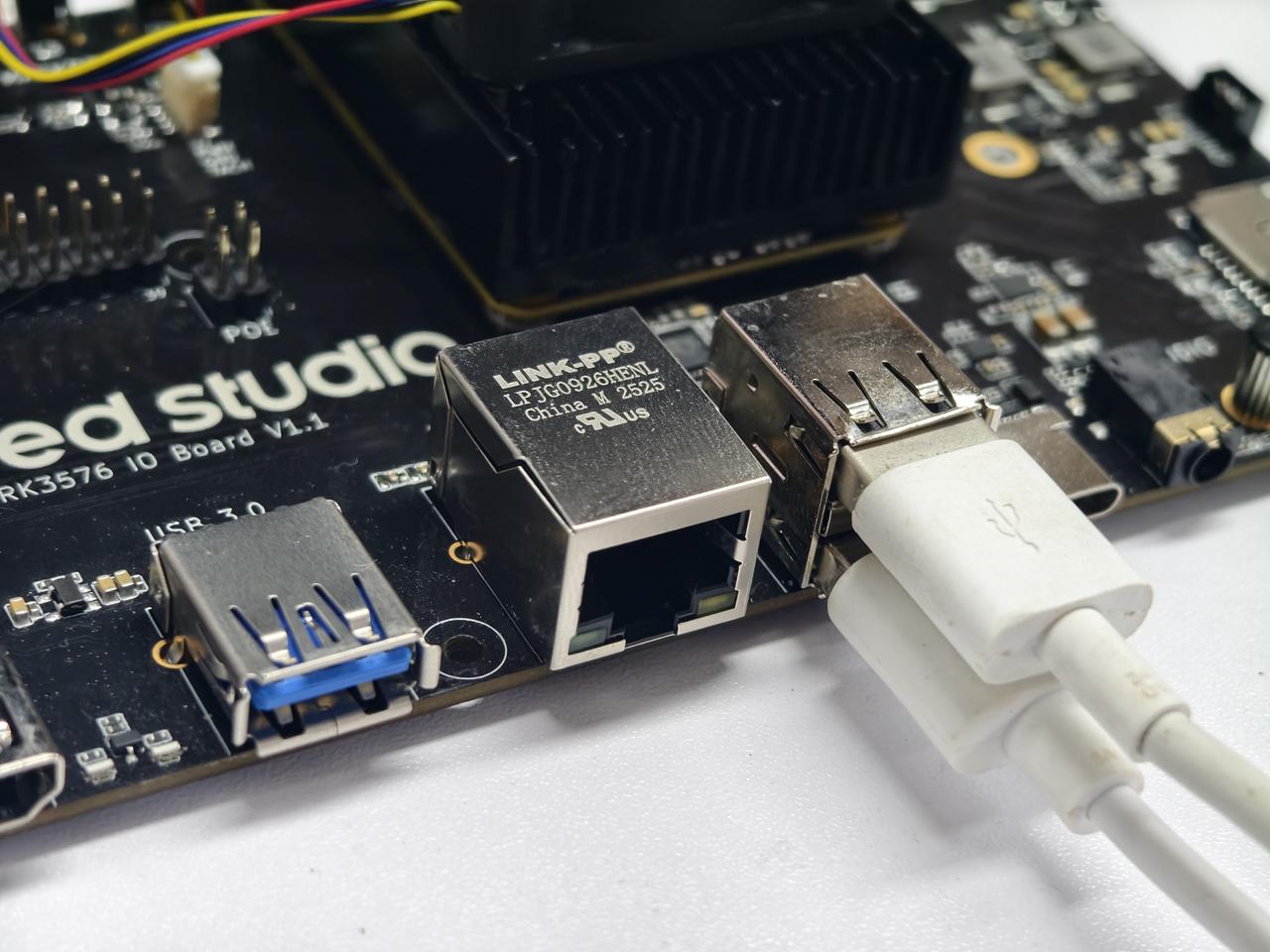
Connect Input Devices
Plug your keyboard and mouse into the USB 2.0 or USB 3.0 ports on the device.
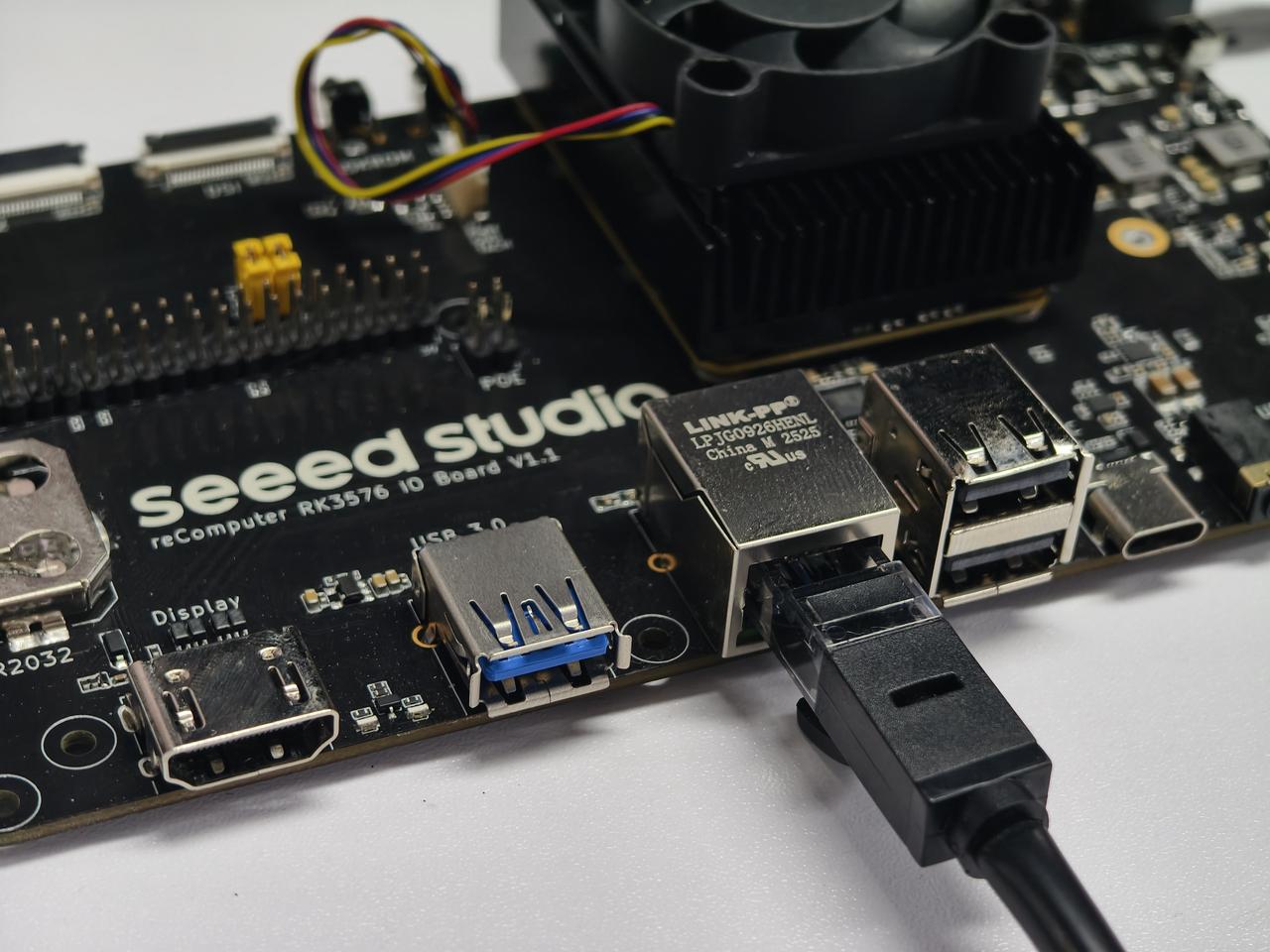
Connect to the Network
Insert a network cable into the Gigabit Ethernet port for a stable internet connection.
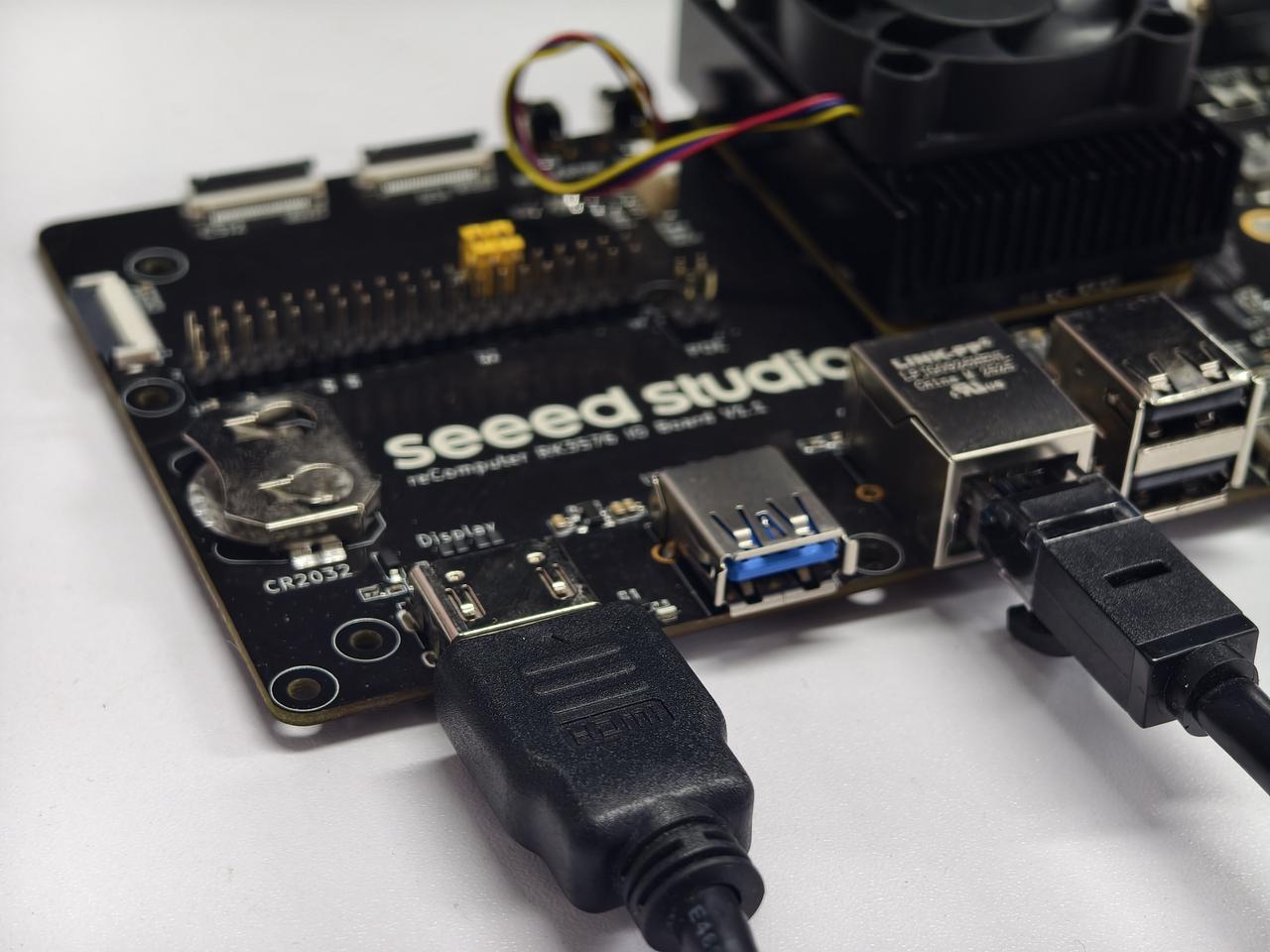
Connect a Display
Connect your monitor to the HDMI port using an HDMI cable.
Connect Power
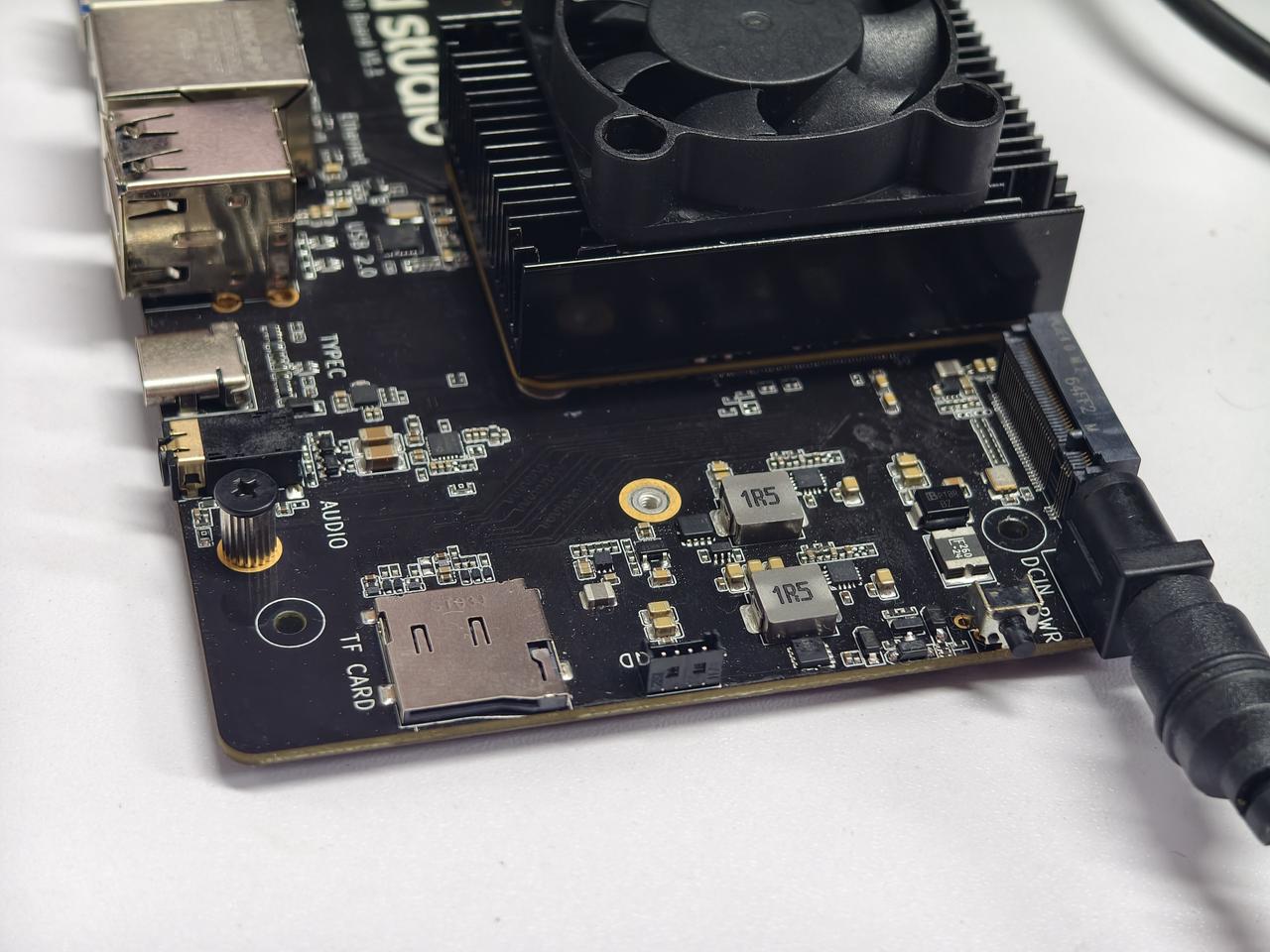
Finally, plug the power adapter into the DC Jack. The device will power on automatically.