Real-Time Vision Pipeline Frameworks
Last updated:
Why This Matters
An accurate model alone does not create a real-time vision system.
A working system also needs:
- input from cameras or files
- decode and frame transport
- inference and post-processing
- display, storage, or downstream communication
That whole chain is called a pipeline.
This section introduces the framework thinking needed to understand real-time vision systems before moving into DeepStream and Jetson-specific services.
Learning Objectives
By the end of this section, you should be able to:
- explain the main stages of a real-time vision pipeline
- compare simple application pipelines with framework-based pipelines
- understand the role of
OpenCVandGStreamer - write small examples for reading and processing live video
- think in terms of end-to-end system flow instead of isolated model calls
Core Concepts / Theory
A Real-Time Pipeline Has Stages
A typical real-time visual pipeline includes:
- source input
- decode and frame acquisition
- preprocessing
- model inference
- post-processing
- rendering, storage, or transmission
Why Pipelines Matter
If one stage is unstable or too slow, the whole system suffers.
For example:
- a bad RTSP stream can create dropped frames
- slow preprocessing can increase latency
- unnecessary display overhead can limit throughput
OpenCV vs GStreamer
OpenCV is convenient for learning and application logic.
GStreamer is stronger when you need robust media pipelines, streaming, and real-time data flow.
Both are useful, but they serve different roles.
Key Terms
Source: where frames come fromDecode: converting compressed video into framesPreprocessing: preparing frames for inferencePost-processing: turning raw predictions into useful outputLatency: end-to-end delay through the pipelineThroughput: total volume of processed frames or streams
Worked Example / Code Example
Prerequisites: Install the required dependencies:
bashpip install opencv-python
Simple OpenCV Live Pipeline
import cv2
import time

cap = cv2.VideoCapture(0)
prev_time = time.time()

while True:
    ok, frame = cap.read()
    if not ok:
        break

    current_time = time.time()
    fps = 1.0 / (current_time - prev_time)
    prev_time = current_time

    cv2.putText(frame, f"FPS: {fps:.2f}", (20, 40), cv2.FONT_HERSHEY_SIMPLEX, 1, (0, 255, 0), 2)
    cv2.imshow("OpenCV Live Pipeline", frame)

    if cv2.waitKey(1) & 0xFF == ord("q"):
        break

cap.release()
cv2.destroyAllWindows()
GStreamer Example
gst-launch-1.0 videotestsrc ! videoconvert ! autovideosinkRTSP Input Example
gst-launch-1.0 rtspsrc location=rtsp://<camera-ip>/<path> latency=200 ! \
  rtph264depay ! h264parse ! avdec_h264 ! videoconvert ! autovideosink
Common Misunderstandings
- "The model is the pipeline."
- The model is only one stage inside the pipeline.
- "If I get 30 FPS in the model benchmark, the whole system runs at 30 FPS."
- End-to-end performance depends on the entire pipeline.
- "OpenCV and GStreamer do the same thing."
- They overlap in some areas, but they are not the same tool.
MediaPipe
MediaPipe is Google's open-source framework for building real-time multimodal ML perception pipelines.
Setup
uv venv .mediapipe --python 3.10.12
source .mediapipe/bin/activate
uv pip install mediapipe opencv-python dlib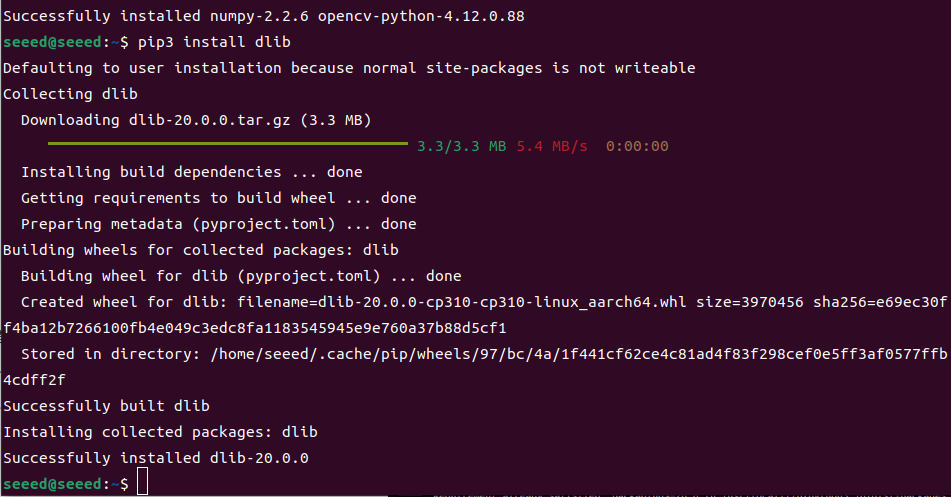

Note:
dlibcompilation may take several minutes. Be patient.
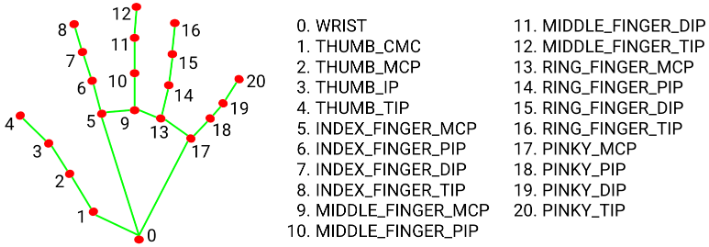
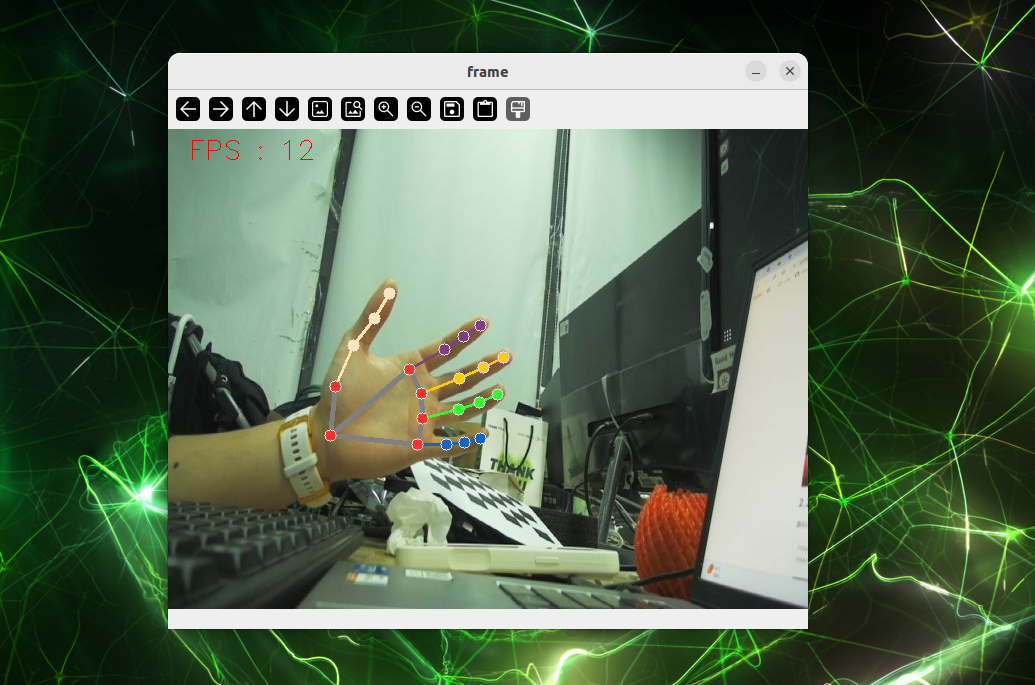
Hand Detection
Detect 21 hand keypoints in real-time:
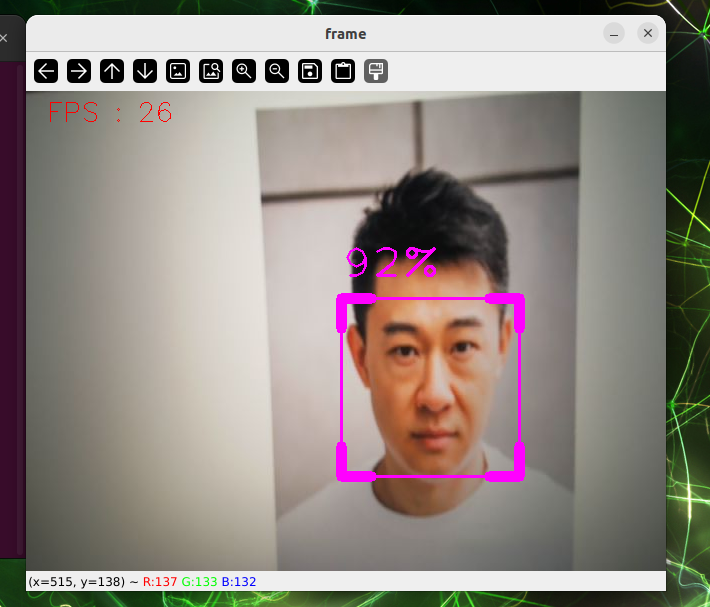
Face Detection
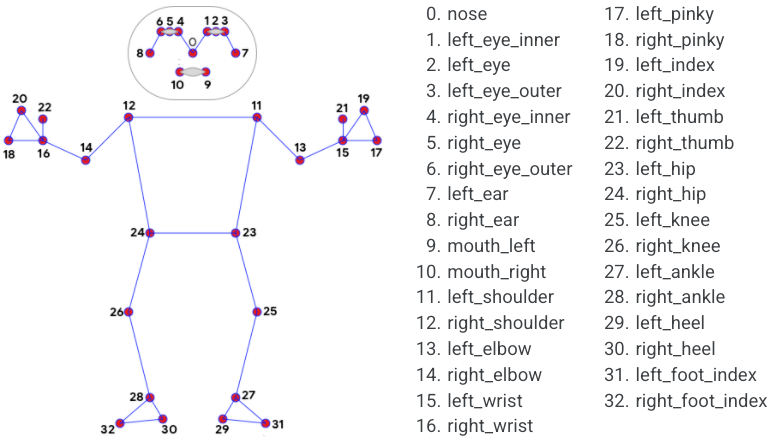
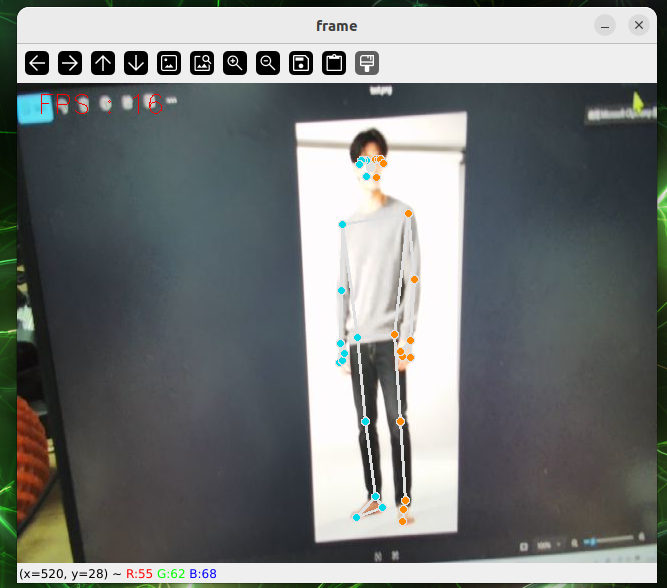
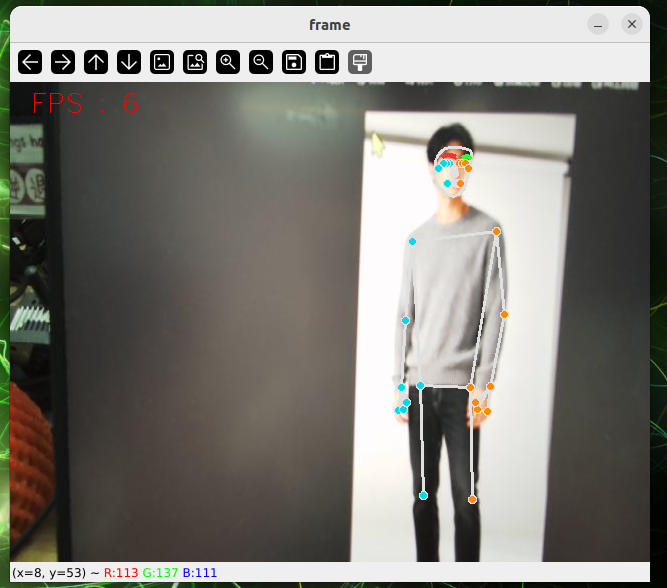
Pose Estimation
Detect 32 body keypoints:
Holistic Detection
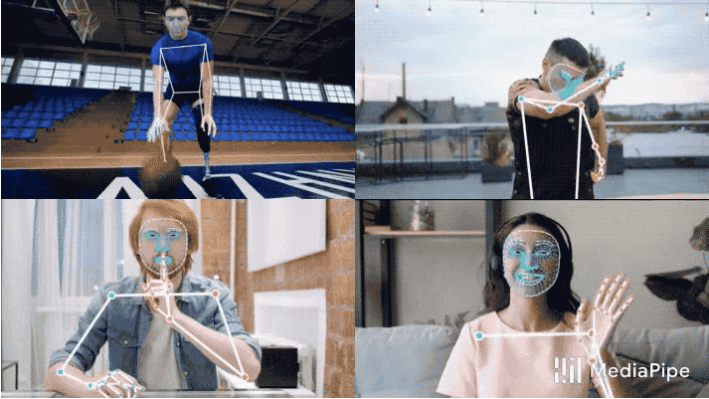
Simultaneously detect body, hand, and face keypoints:
Other MediaPipe Features
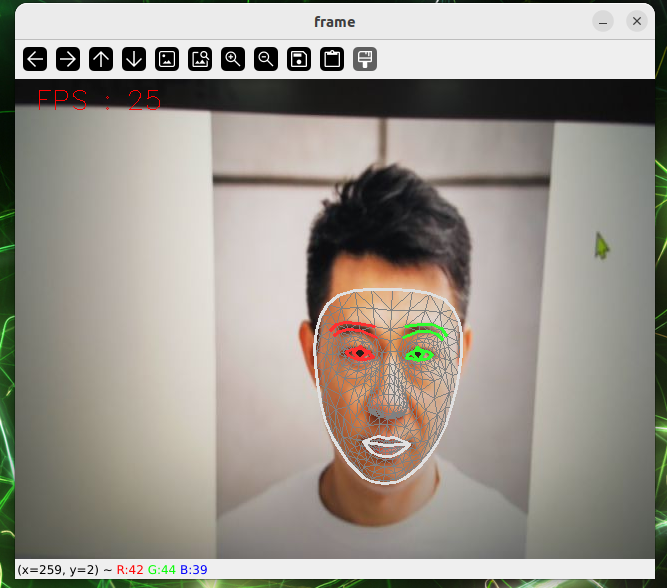
- Face Mesh — 3D face mesh with 468 landmarks
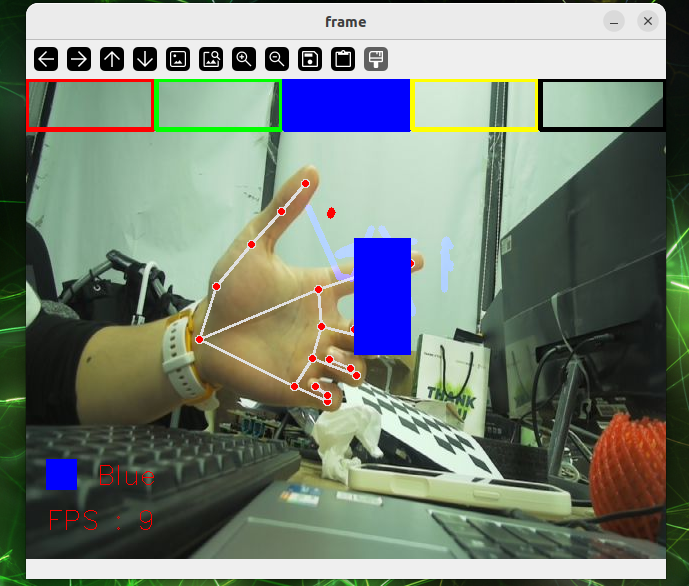
- Virtual Brush — Draw with finger gestures
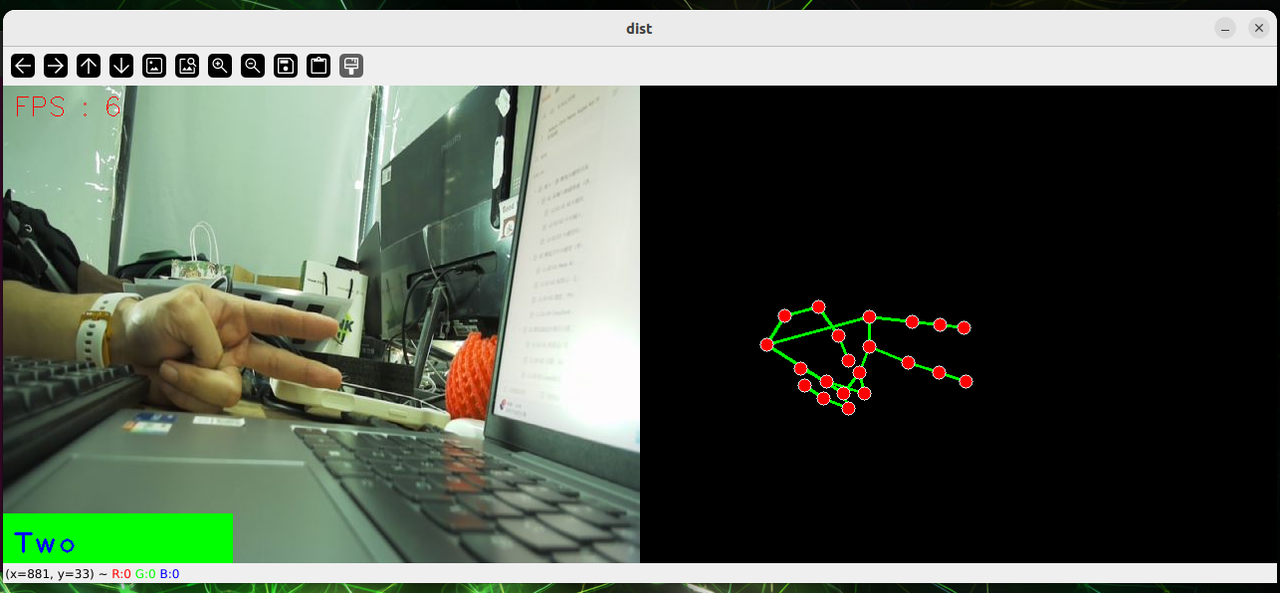
- Gesture Recognition — Recognize 14+ hand gestures
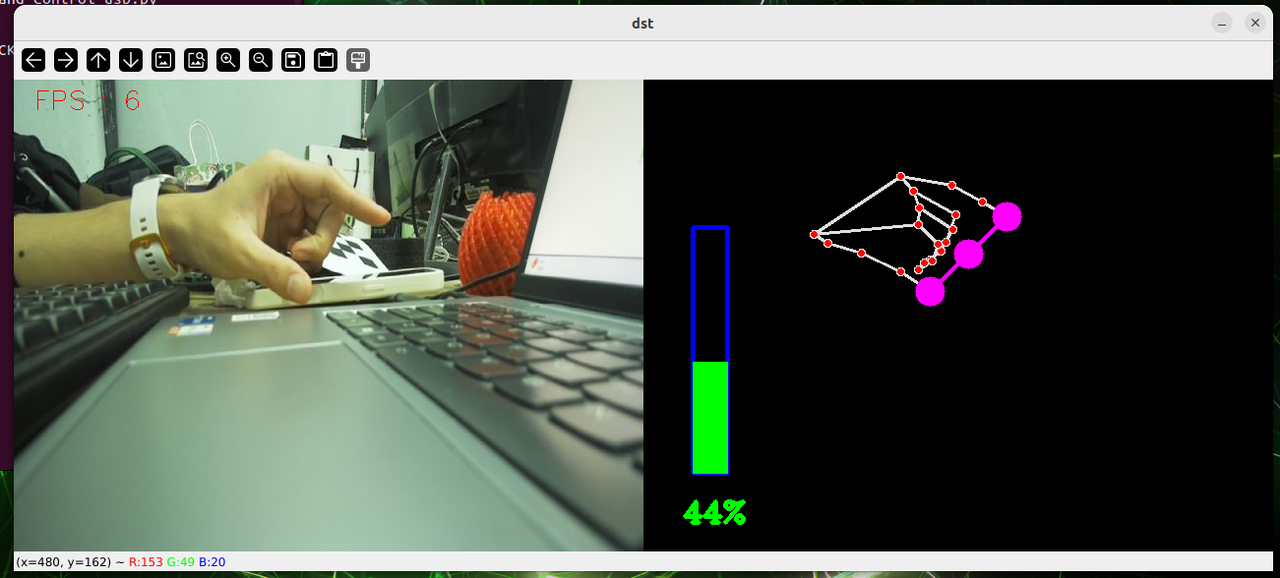
- Finger Control — Control UI with finger distance
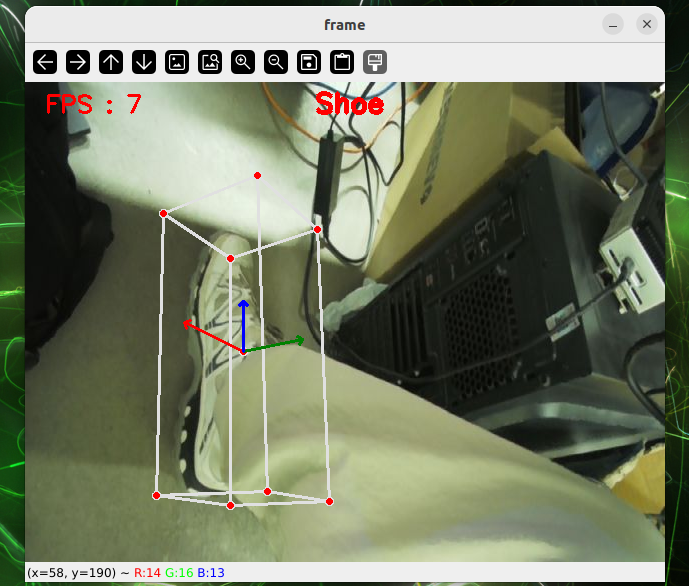
- 3D Object Detection — Detect shoes, chairs, cameras, cups
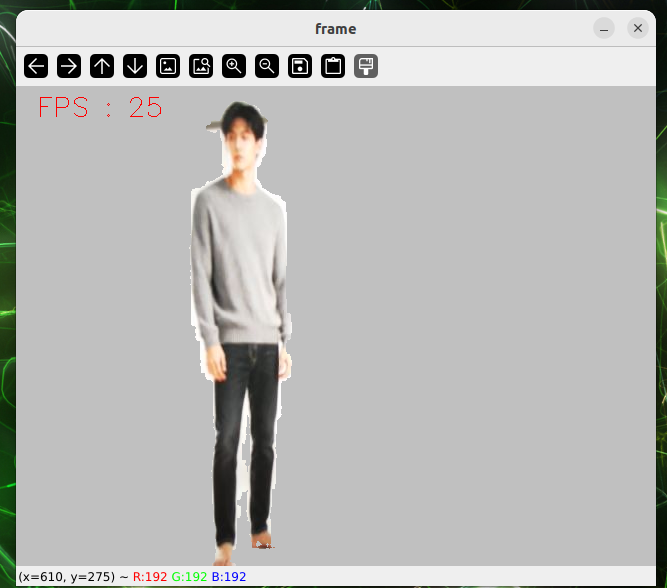
- Background Removal — Segment and replace backgrounds
QR Code Recognition
Generate QR Codes
Prerequisites: Install the required dependencies:
bashpip install qrcode pillow opencv-python numpy pyzbar
cd 4-Computer-Vision/4.8-Real-Time-Vision-Pipeline-Frameworks/code
python qr_code_generate.py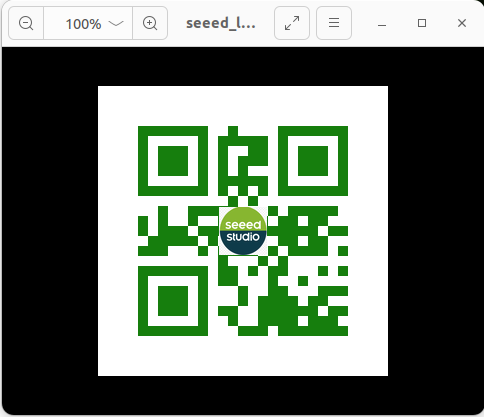
Detect QR Codes
cd 4-Computer-Vision/4.8-Real-Time-Vision-Pipeline-Frameworks/code
python qr_code_detect.py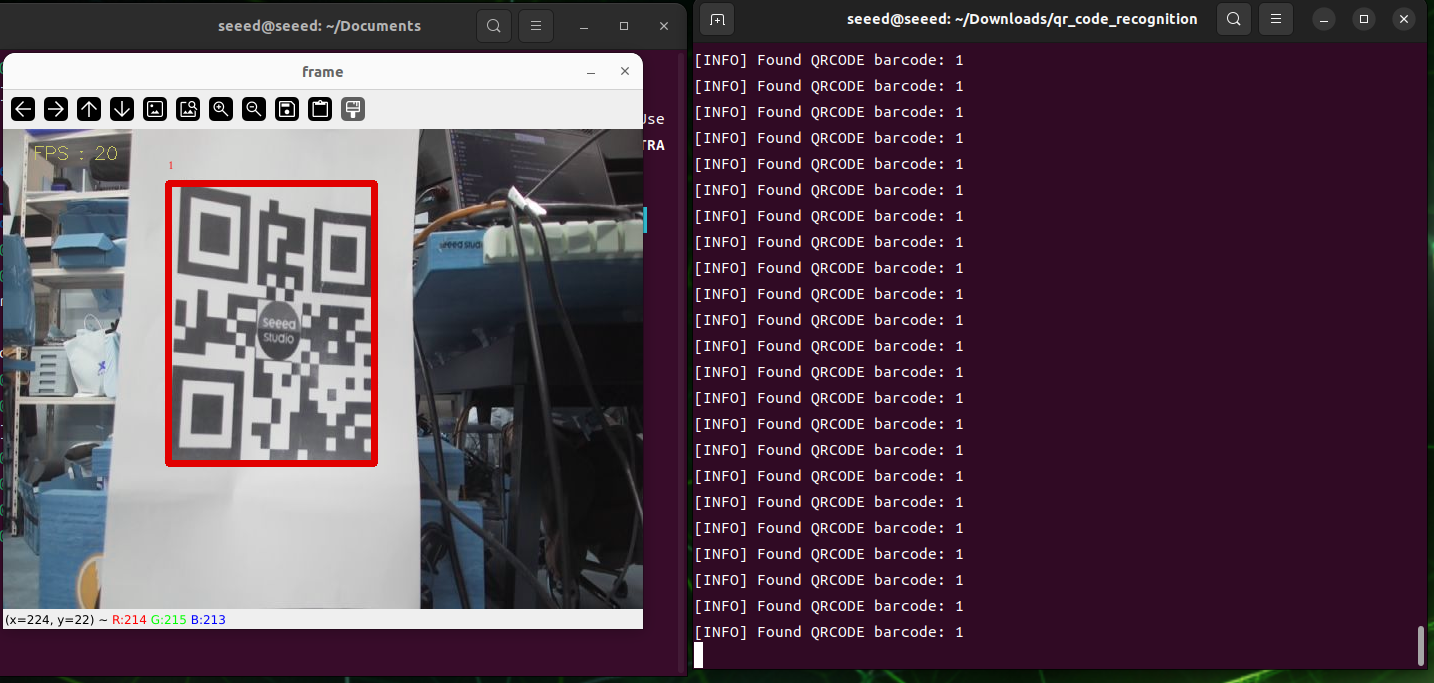
Exercises / Reflection
- Draw a five-stage real-time pipeline for a webcam detector.
- Run the OpenCV example and measure approximate FPS on your machine.
- Compare a video file input and a live camera input. What practical differences do you observe?
- Explain why end-to-end latency is often more important than model inference time alone.
Summary
Real-time computer vision depends on pipeline design, not only on models. Understanding input, decode, preprocessing, inference, post-processing, and output prepares the learner for more advanced edge frameworks such as DeepStream.
Suggested Next Step
Continue to 4.9 DeepStream and Jetson.