reComputer AI Lab | Edge AI Models & Tools


What is reComputer AI Lab?
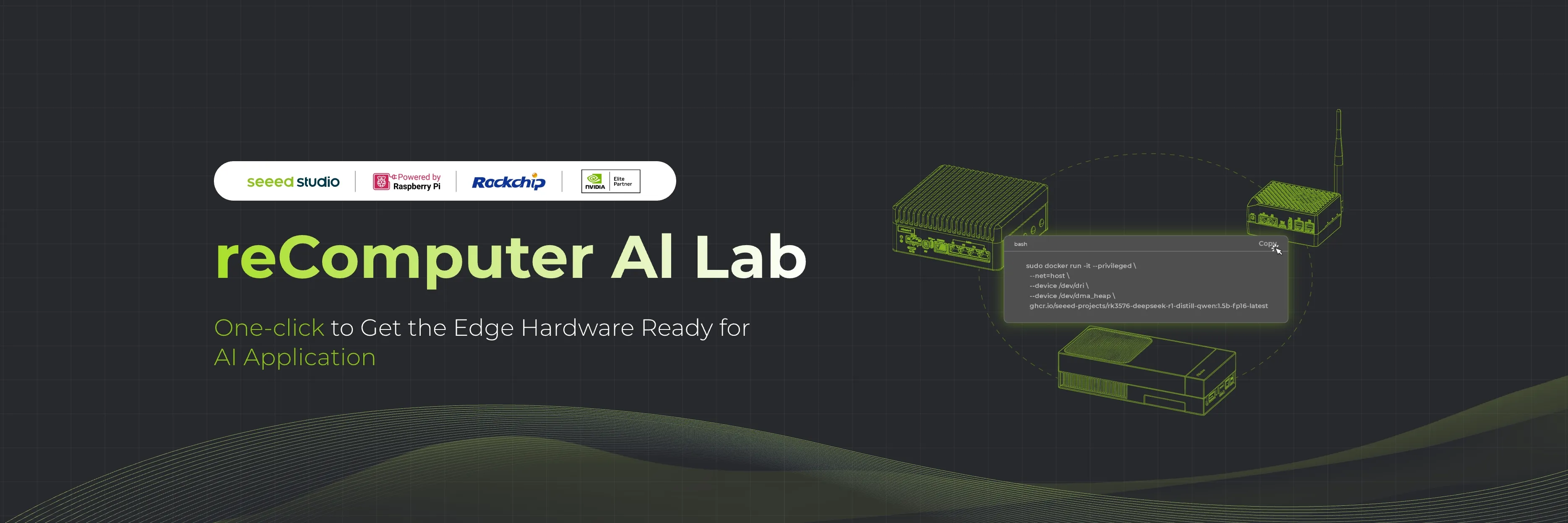
reComputer AI Lab helps developers build and run AI applications locally on Seeed Studio edge computers. Explore models for computer vision, language, vision-language, and audio; find development tools; and follow hardware setup and model deployment guides for NVIDIA Jetson, Raspberry Pi, and Rockchip platforms.
Quick Access
Explore Models
Explore computer vision, language, vision-language, and audio models. Find supported devices, inference engines, and deployment guides.
Browse all models →Tools
Find development tools for model conversion, optimization, deployment, and inference testing across reComputer platforms.
Browse tools →Tutorials
Install an operating system, configure hardware and networking, and deploy AI models with step-by-step reComputer guides.
Browse all tutorials →Community Projects
Discover computer vision, voice assistant, robotics, and local AI projects built by the reComputer community.
View all projects →Hot Model
Popular edge AI models ready to run on reComputer
Community Projects
View all projectsExplore community-built edge AI applications for reComputer, including video analytics, voice assistants, robotics, and local language models
DOOM on reComputer RK3576: Browser Gaming with FlipCTL
Play DOOM with Freedoom game data on reComputer RK3576 through FlipCTL. Prepare a Bookworm-compatible ARM64 AppImage and control it from a PC browser.
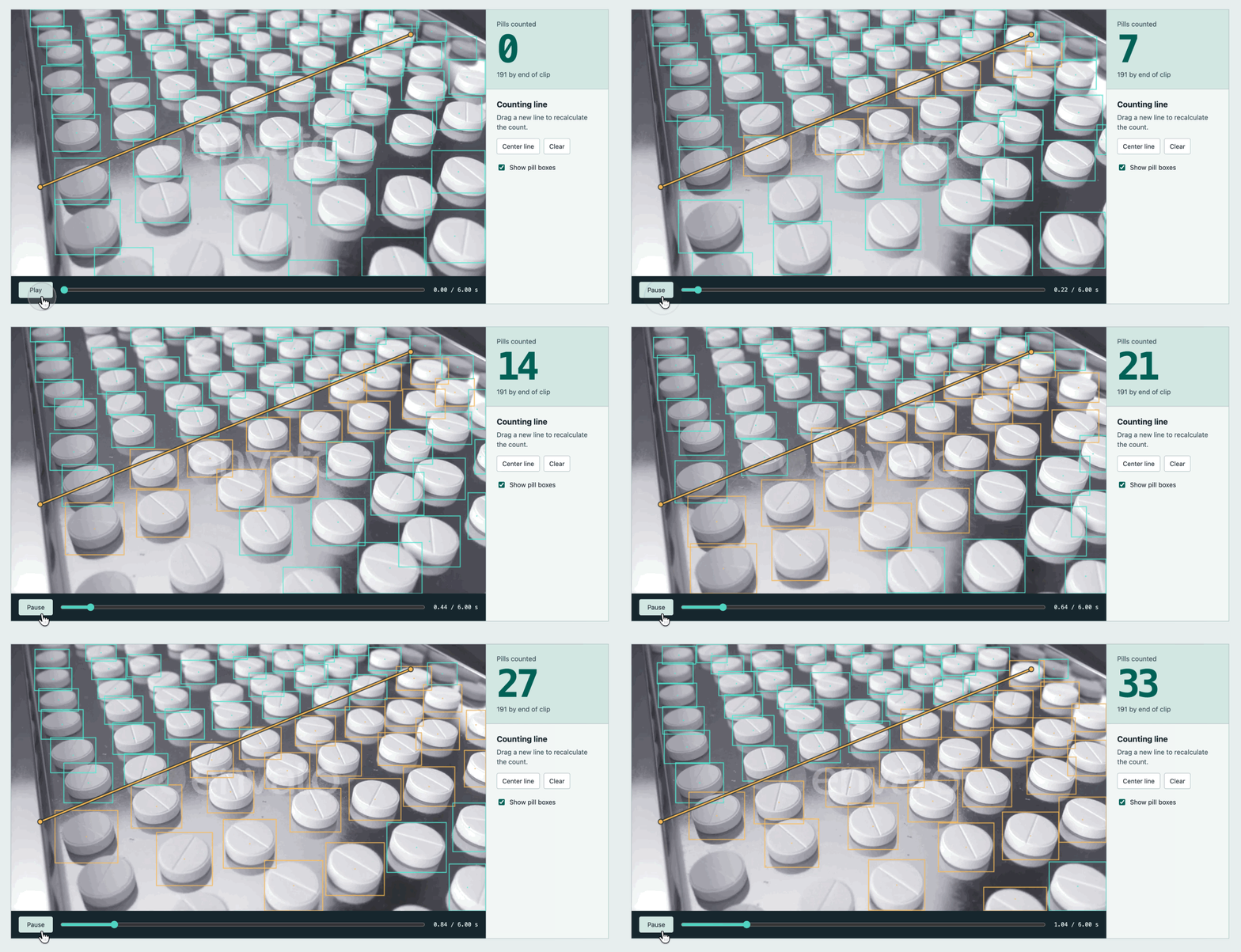
Count Pills on a Conveyor with YOLO26 on reComputer RK3576
Draw a line across a conveyor video and count pills as they cross it using YOLO26n INT8 inference on the RK3576 NPU.
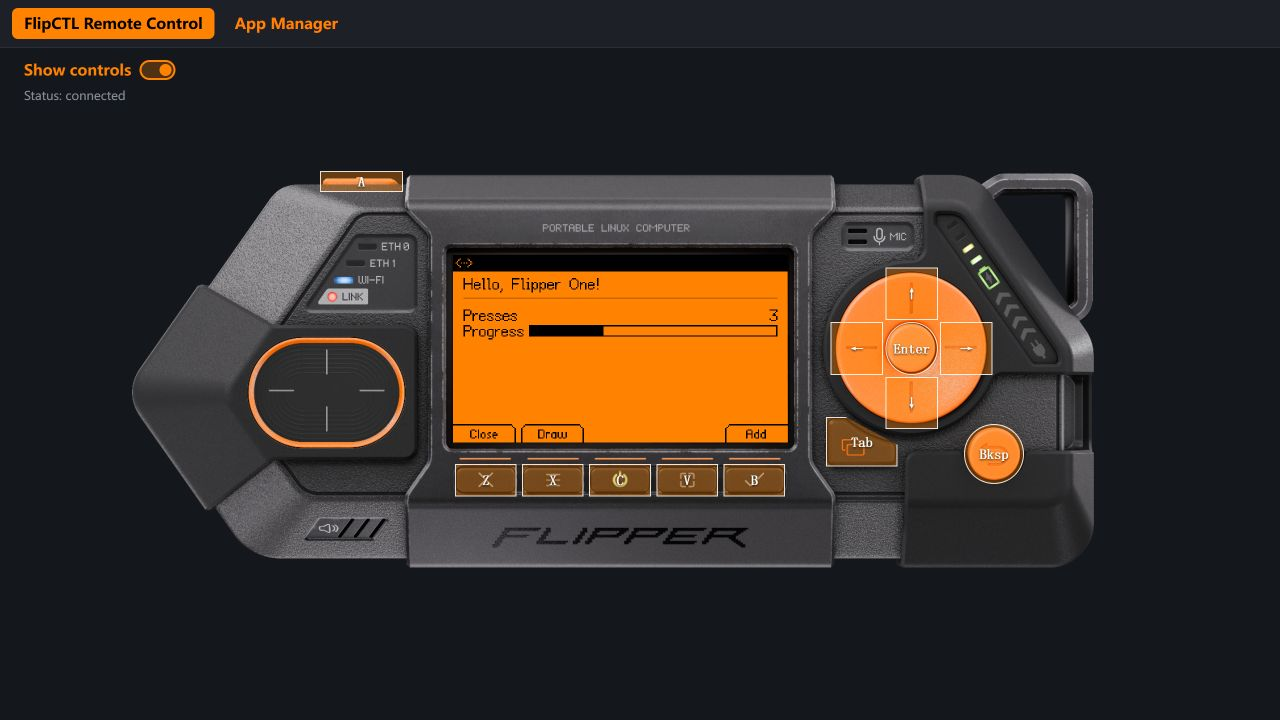
FlipCTL on reComputer RK3576: Remote UI and Apps
Run Flipper One's FlipCTL interface and Hello World on reComputer RK3576 with Armbian. Build natively, connect over SSH, and test browser controls.