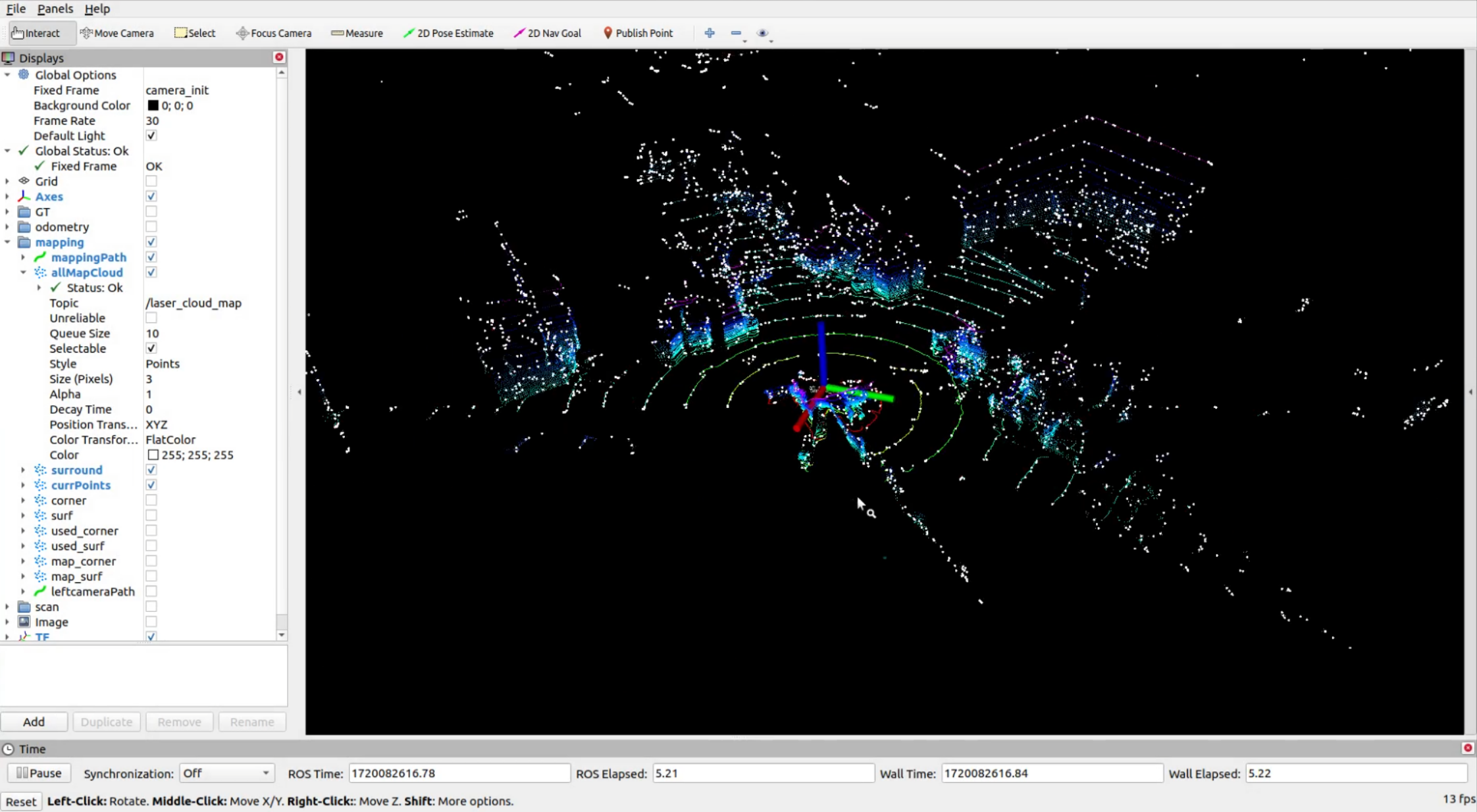
9.11 A-LOAM 3D SLAM on Jetson
#A-LOAM Profile
A-LOAM is advanced by the original LOAM algorithms proposed by J. Zhang and S. Singh. The main features of A-LOAM include:
Real-time laser radar mileage and construction maps.
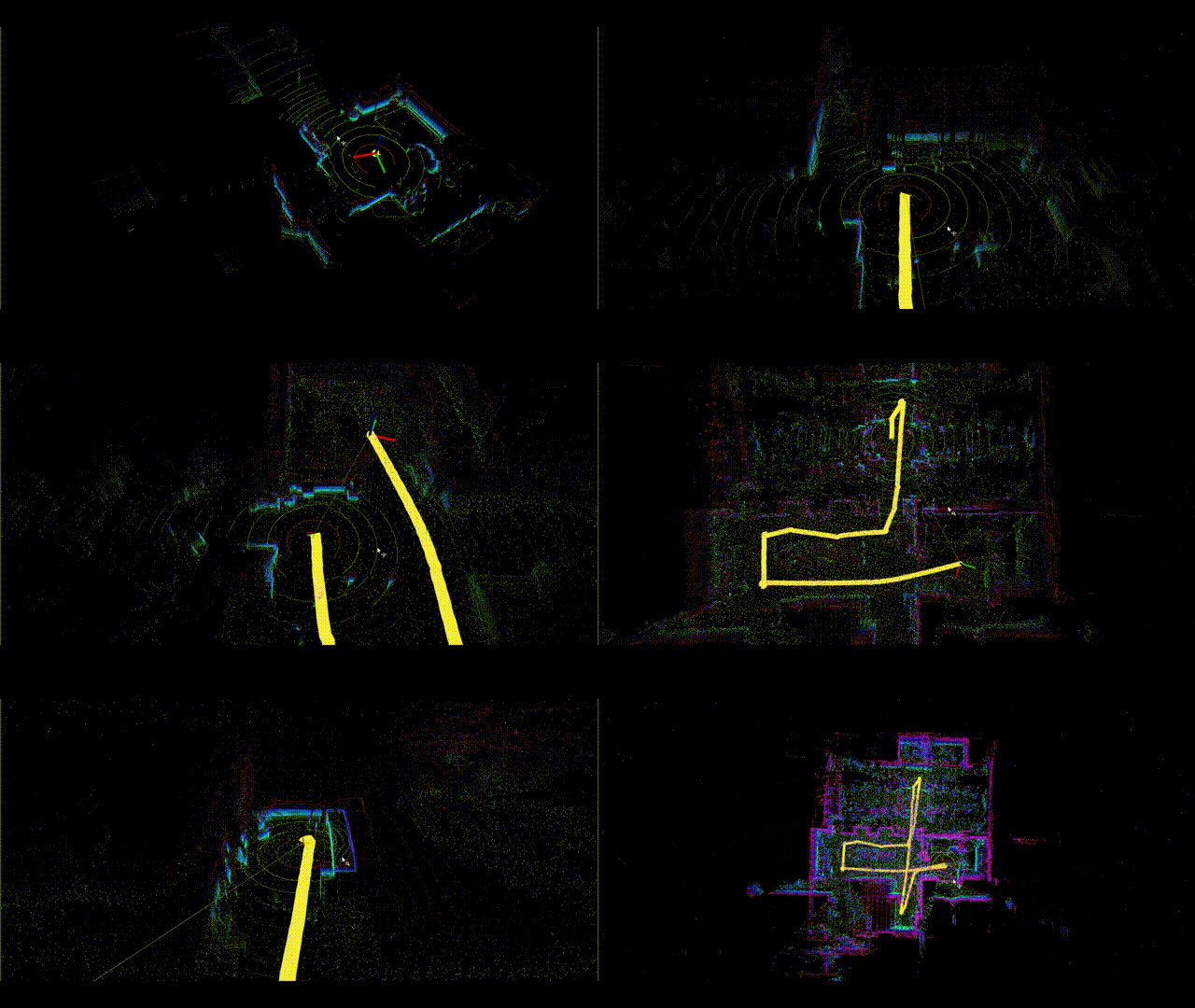
Simplify the code structure using Eigen and Céres Solver.
High performance and robustness in many environments.
A-LOAM can be used for various applications such as autopilot, robotics and 3D construction maps.
This document provides detailed steps to set and run the A-LOAM (Advanced LOAM) algorithm using the RoboSense RS32 LiDAR sensor on the reComputer Jetson series. A-LOAM is an advanced achievement for LOAM, using Eigen and Céres Solver to achieve efficient real-time mapping and positioning.
#Precondition
Nvidia Jetson Orin Nano Super Kit
RoboSense RS32 Lidar
The following is only tested on Ubuntu 20.04 and ROS Noetic. Please refer to 8.01.01 ROS1 Profile to complete the ROS environment settings.
Please refer to the SDK where RoboSense RS32 Lidar is installed.
#Start Use
#Environment Settings
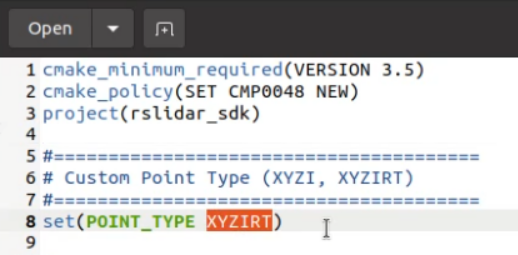
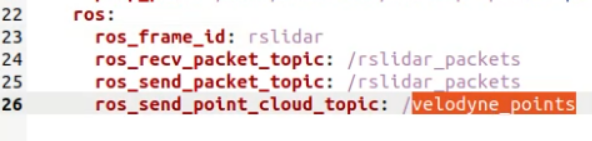
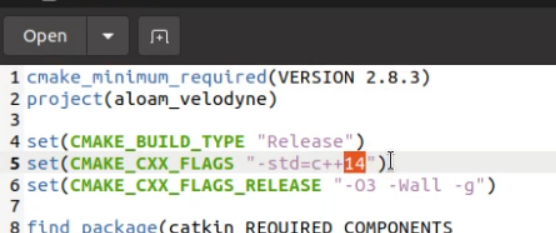
Implement the following steps in the Jetson terminal.
Step 1: Install gflags, google-glog, suitesparse and cxsparse3.
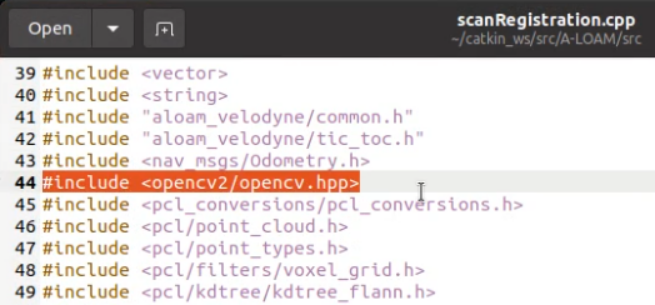

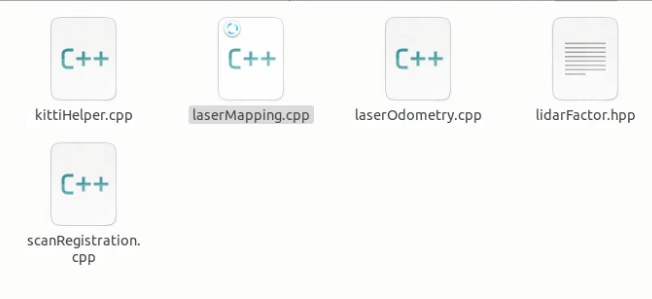
sudo apt-get install libgflags-dev libgoogle-glog-dev
sudo apt-get install libsuitesparse-dev libcxsparse3 libcxsparse-dev
Step 2: Install PCL.
sudo apt install libpcl-devStep 3: Install Ceres.
wget ceres-solver.org/ceres-solver-1.14.0.tar.gz
tar xvf ceres-solver-1.14.0.tar.gz
cd ceres-solver-1.14.0
mkdir build
cd build
cmake ..
make -j4
sudo make install