I2C Communication
[!IMPORTANT] This page is intended for the Seeed
reComputer J401carrier-board family, such asreComputer J4012. I2C bus numbering, header mapping, and connected accessories may differ on other Jetson carrier boards.
#Introduction
I2C is a two-wire communication bus that uses SCL and SDA for clock and data. It is widely used for displays, sensors, EEPROMs, and other low-speed peripherals.
#Hardware Requirements
- J401-based Jetson device
- Grove OLED display
- Compatible adapter board or shield
- Grove cable
#Hardware Connection
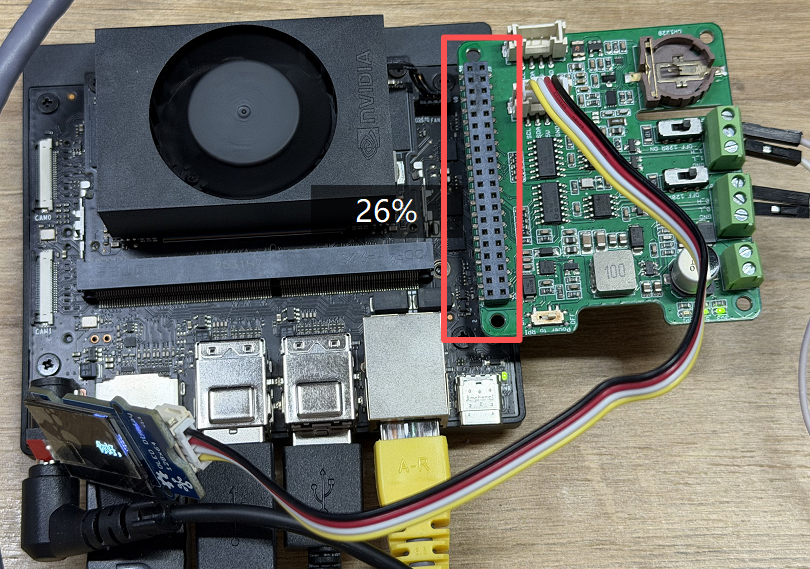
Connect the accessory to the 40-pin header or the corresponding adapter board as shown below.
#Install Dependencies
bash
sudo apt update
sudo apt install python3-pil python3-dev fonts-noto-cjk
pip3 install luma.oled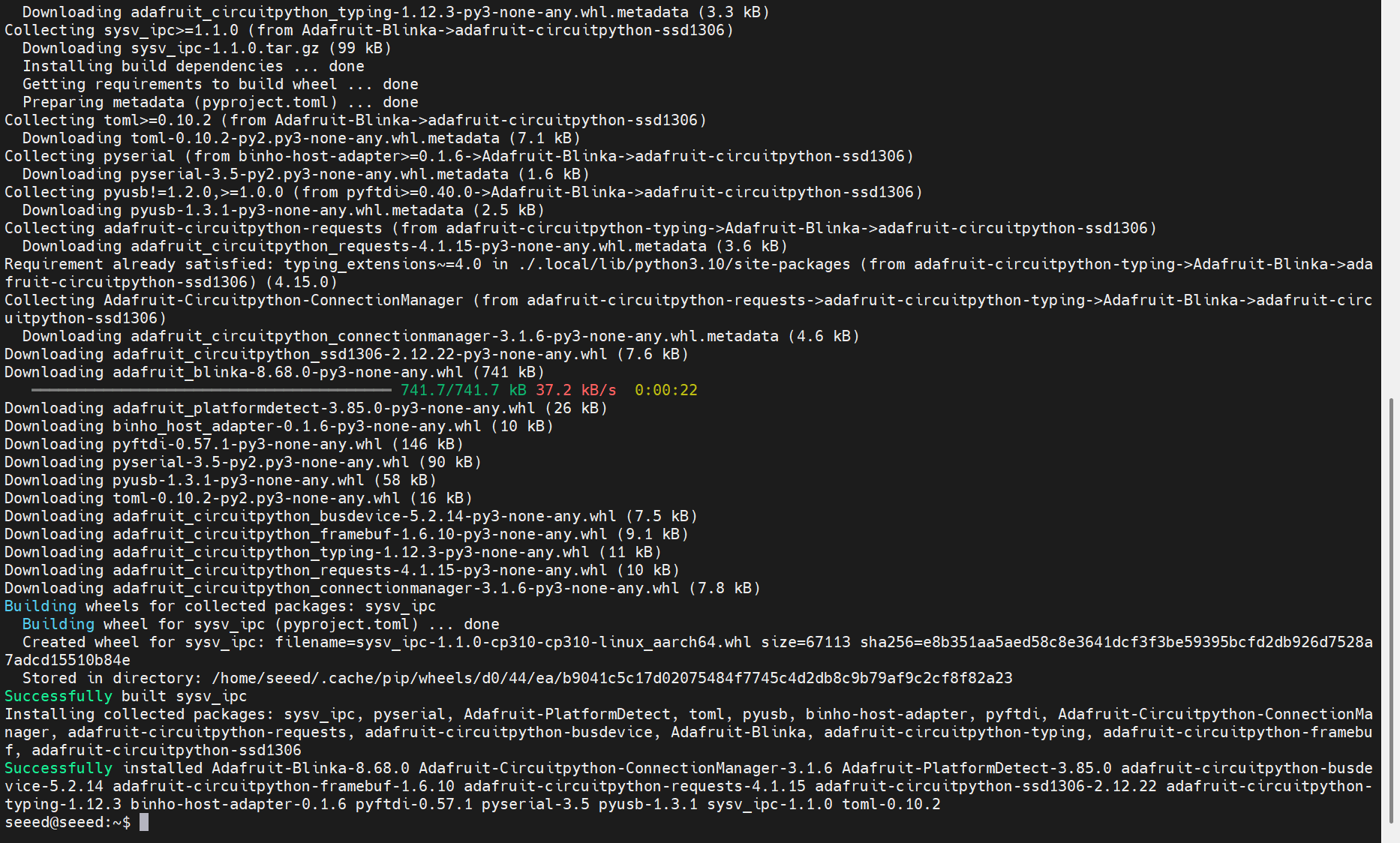
#Scan the I2C Bus
Use i2cdetect to confirm that the peripheral is visible on the bus:
bash
sudo i2cdetect -y -r 7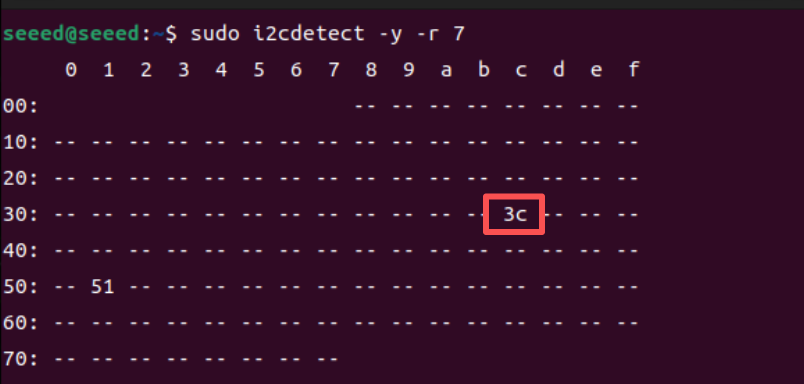
If the display is detected successfully, you should see its device address in the scan result, such as 0x3c.
#Example Test Script
Create a script:
bash
nano test_i2c.pyPaste the following example:
python
import time
from luma.core.interface.serial import i2c
from luma.oled.device import ssd1306
from PIL import Image, ImageDraw, ImageFont

I2C_BUS = 7
I2C_ADDR = 0x3C
serial = i2c(port=I2C_BUS, address=I2C_ADDR)
device = ssd1306(serial)
device.clear()

FONT_PATH = "/usr/share/fonts/opentype/noto/NotoSansCJK-Regular.ttc"
font = ImageFont.truetype(FONT_PATH, 16)

text = "Jetson I2C test scrolling text    "
bbox = font.getbbox(text)
text_width = bbox[2] - bbox[0]
text_height = bbox[3] - bbox[1]
scroll_pos = device.width

while True:
    img = Image.new("1", (device.width, device.height))
    draw = ImageDraw.Draw(img)
    draw.text((scroll_pos, (device.height - text_height) // 2), text, font=font, fill=255)
    device.display(img)
    scroll_pos -= 2
    if scroll_pos + text_width < 0:
        scroll_pos = device.width
    time.sleep(0.05)
Run the script:
bash
python3 test_i2c.py