3.27 Installing the GPIO Library
[!IMPORTANT] This page is intended for the Seeed
reComputer J401carrier-board family, such asreComputer J4012. GPIO support depends on the board layout, JetPack version, and carrier-board configuration.
Introduction
Jetson.GPIO is NVIDIA's Python library for controlling the 40-pin GPIO header on Jetson devices. Its API is intentionally similar to RPi.GPIO, which makes it approachable for users coming from Raspberry Pi development.
If your Seeed image already provides a prepared environment, you may be able to skip installation and only activate the virtual environment before use:
source /opt/seeed/development_guide/envs/.gpio/bin/activateFor more virtual-environment usage tips, you can also refer to 3.21 uv Python Environment Manager.
Install with pip
If the library is not preinstalled, the simplest method is:
sudo pip3 install Jetson.GPIO
Manual Installation
If you need to install the library from source:
mkdir -p /opt/seeed/development_guide/05_gpio
cd /opt/seeed/development_guide/05_gpio
git clone https://github.com/NVIDIA/jetson-gpio
cd jetson-gpio
sudo python3 setup.py install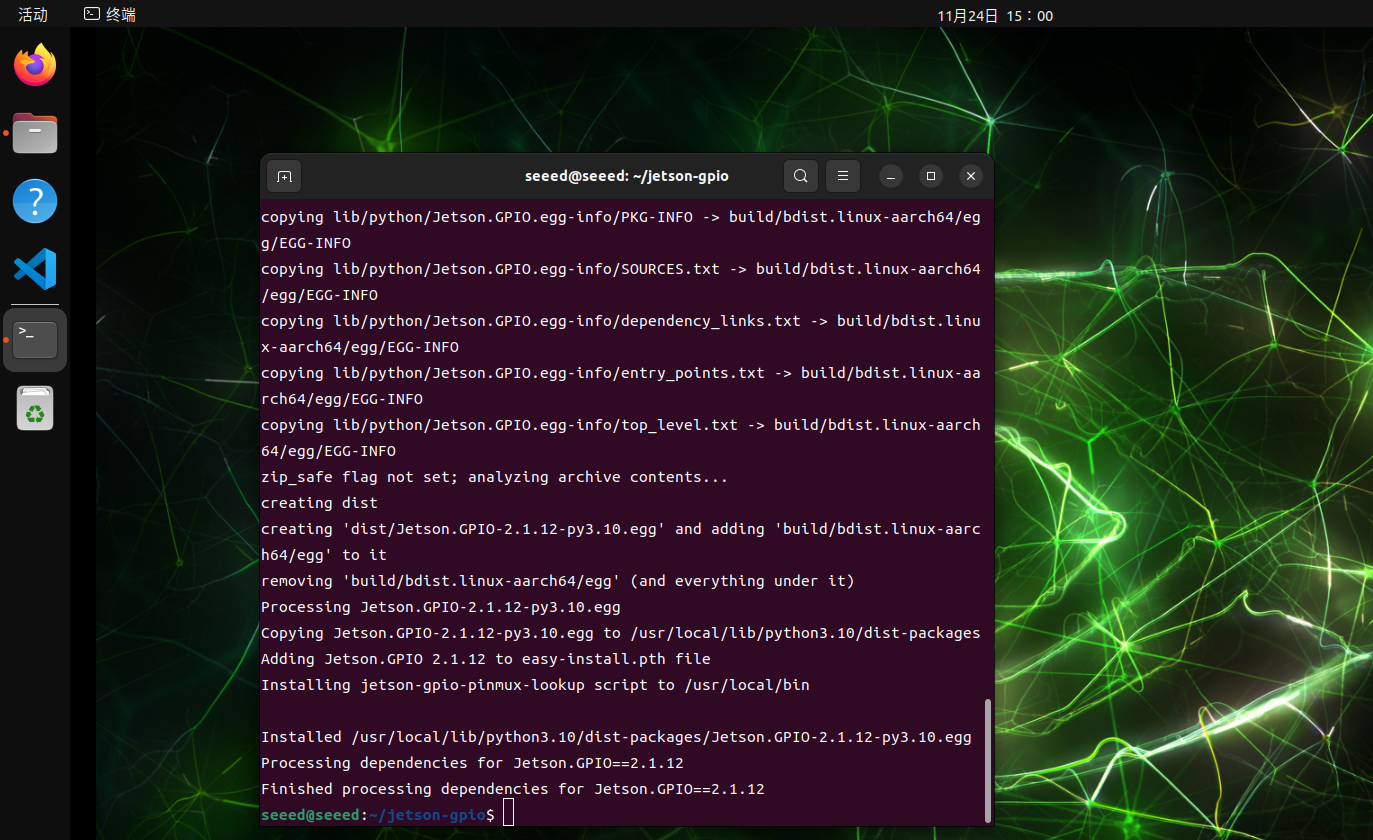
User Permissions
Allow the current user to access GPIO:
sudo groupadd -f -r gpio
sudo usermod -a -G gpio seeed
Replace seeed with your actual username if needed.
Udev Rule
Copy the rule file and reload udev:
cd /opt/seeed/development_guide/05_gpio/jetson-gpio
sudo cp lib/python/Jetson/GPIO/99-gpio.rules /etc/udev/rules.d/
sudo udevadm control --reload-rules
sudo udevadm trigger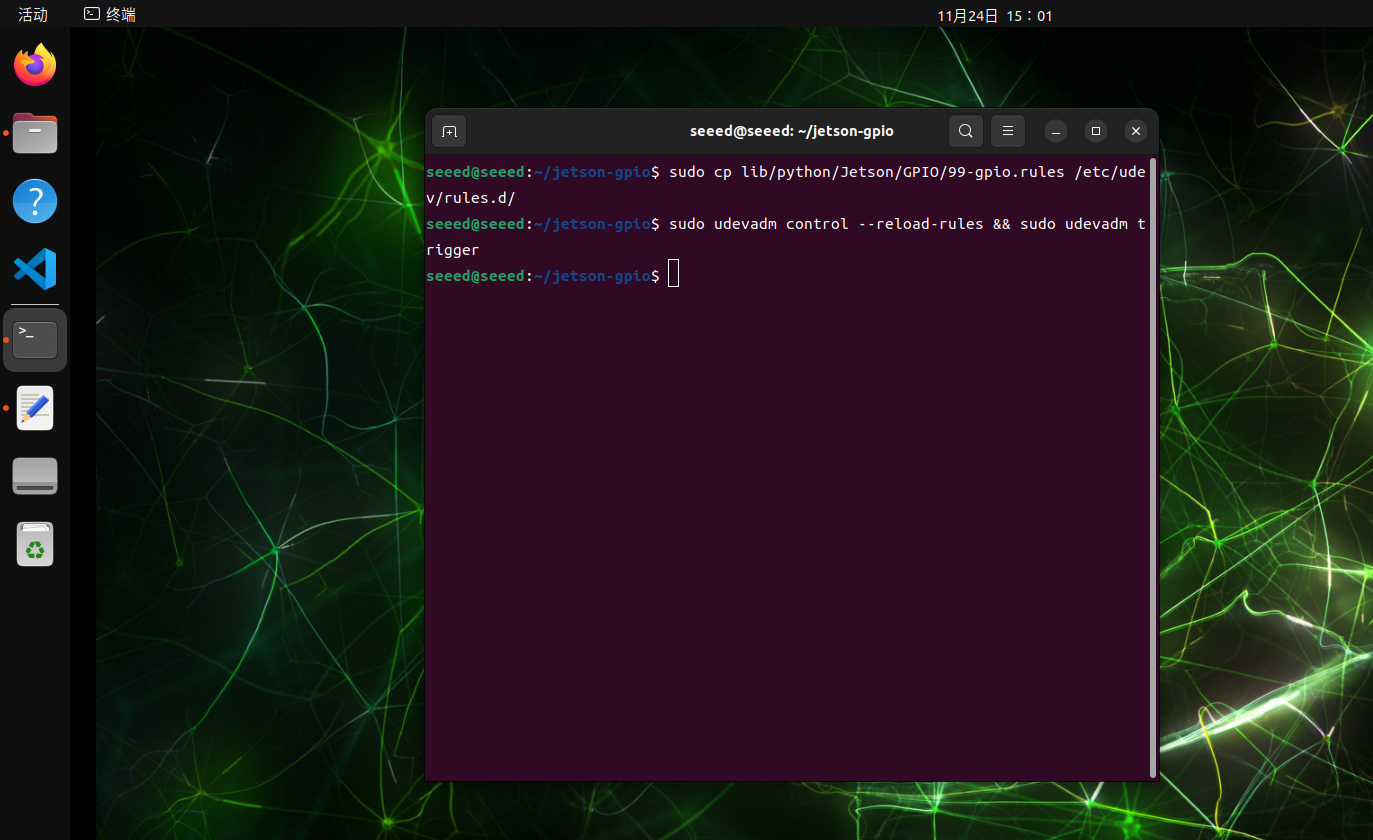
JetPack 6.2 Compatibility Note
On some JetPack 6.2 setups, you may need to export the model name before using the library:
export JETSON_MODEL_NAME=JETSON_ORIN_NANO