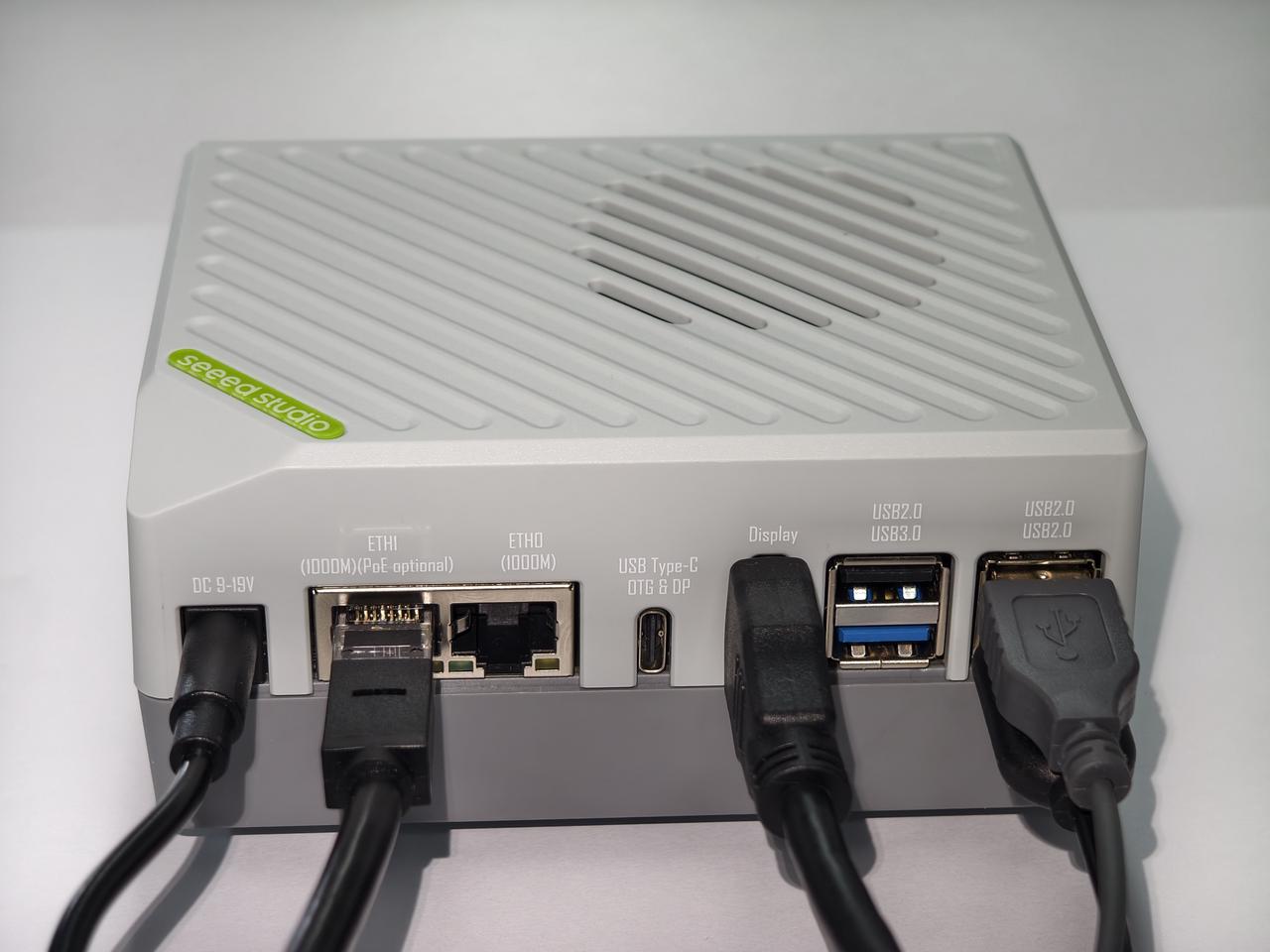
Hardware Connection
This page describes the required cables and basic connection order.
Before starting with your reComputer RK3576, please follow the steps below to connect your peripherals:
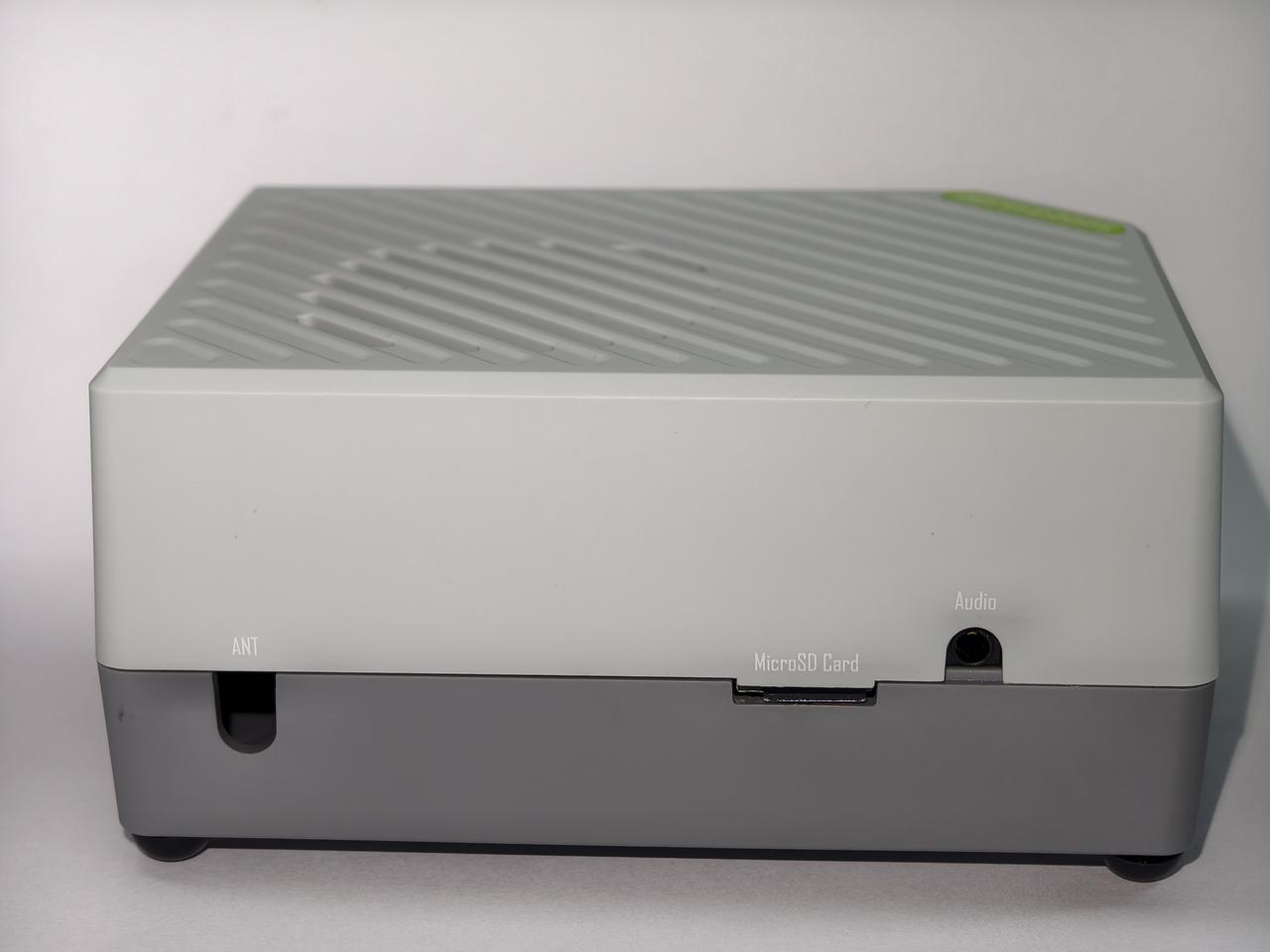
#Connect Input Devices
Plug your keyboard and mouse into the USB 2.0 or USB 3.0 ports on the device.
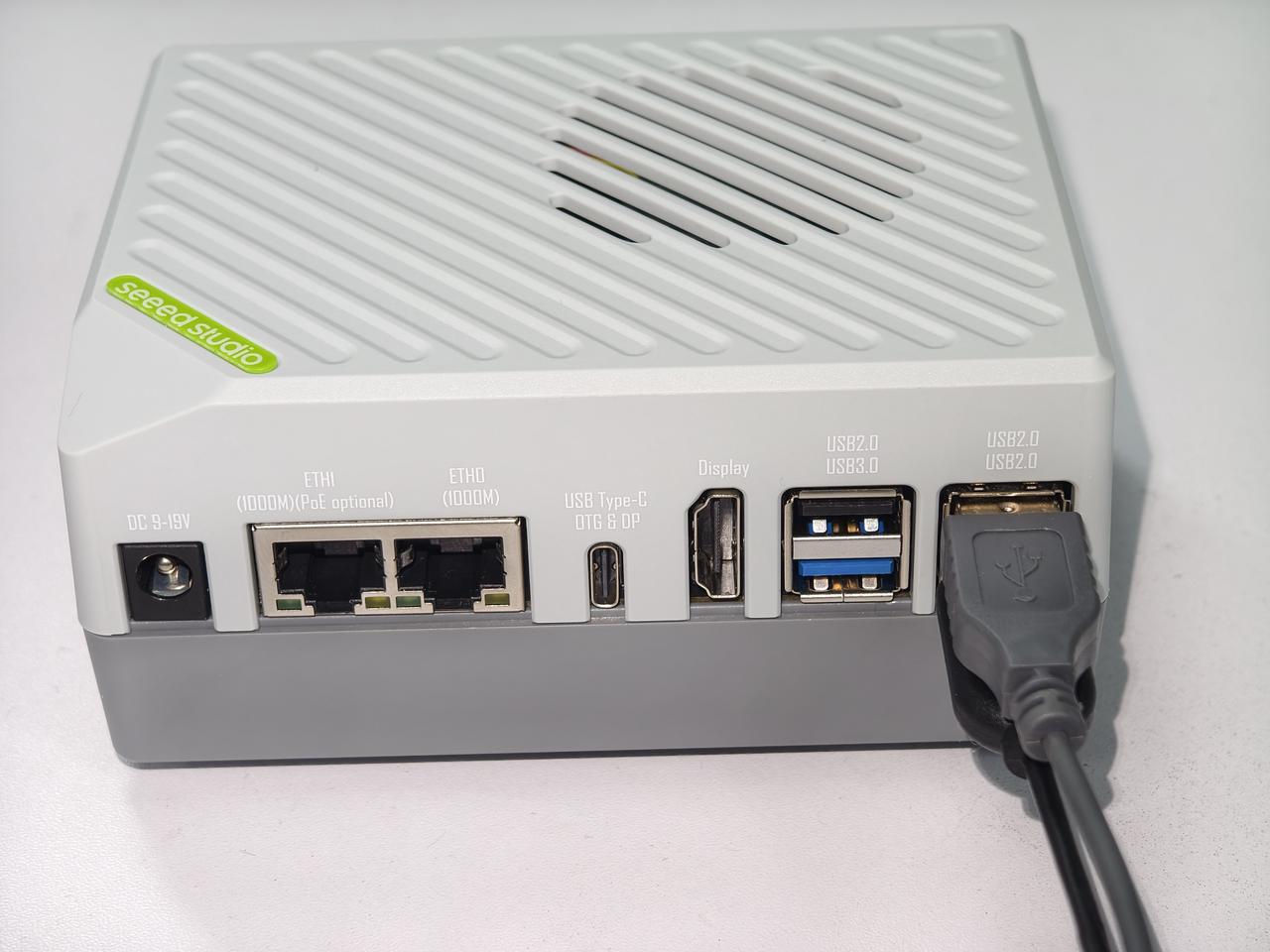
#Connect a Display
Connect your monitor to the HDMI port using an HDMI cable.
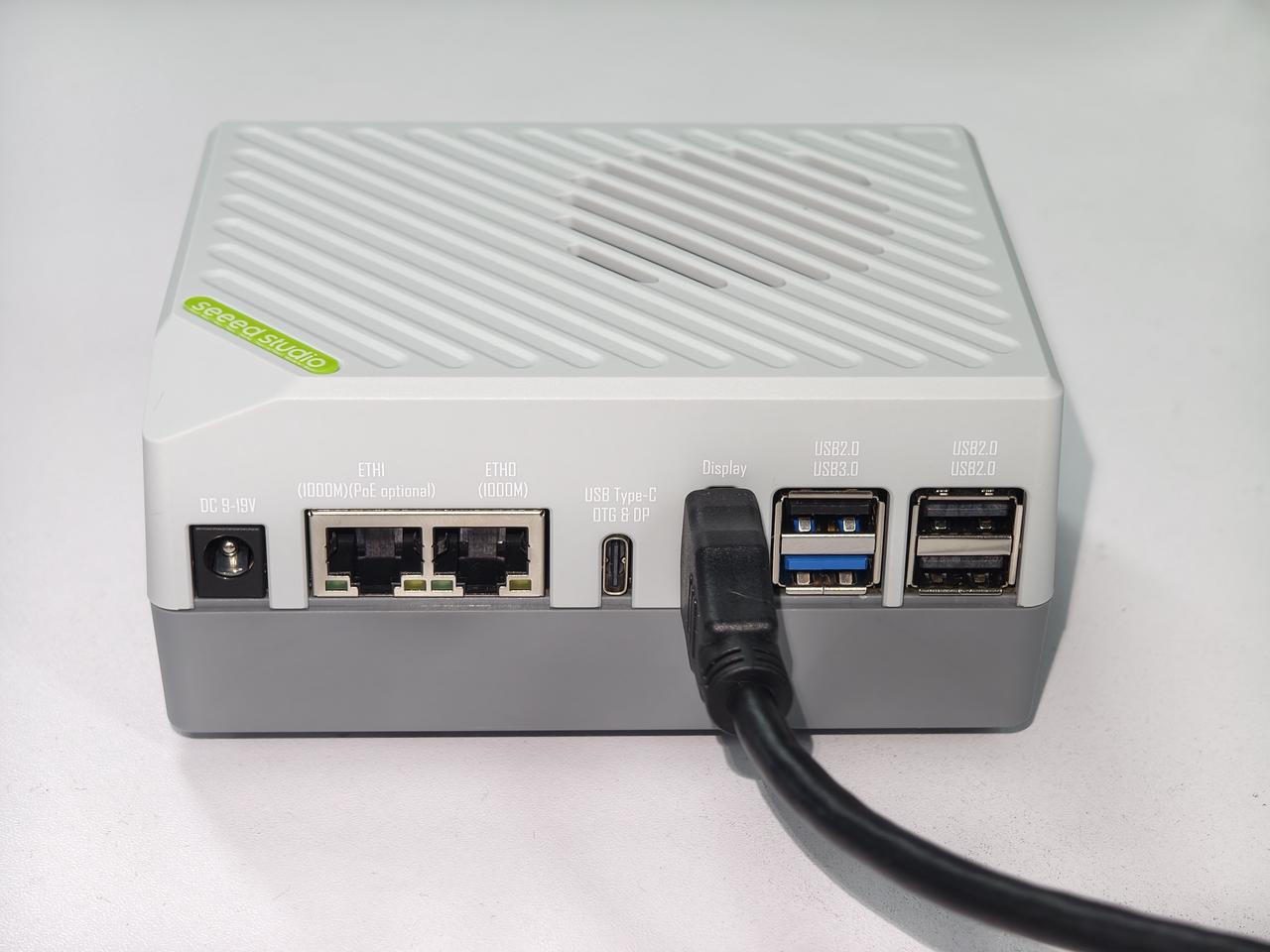
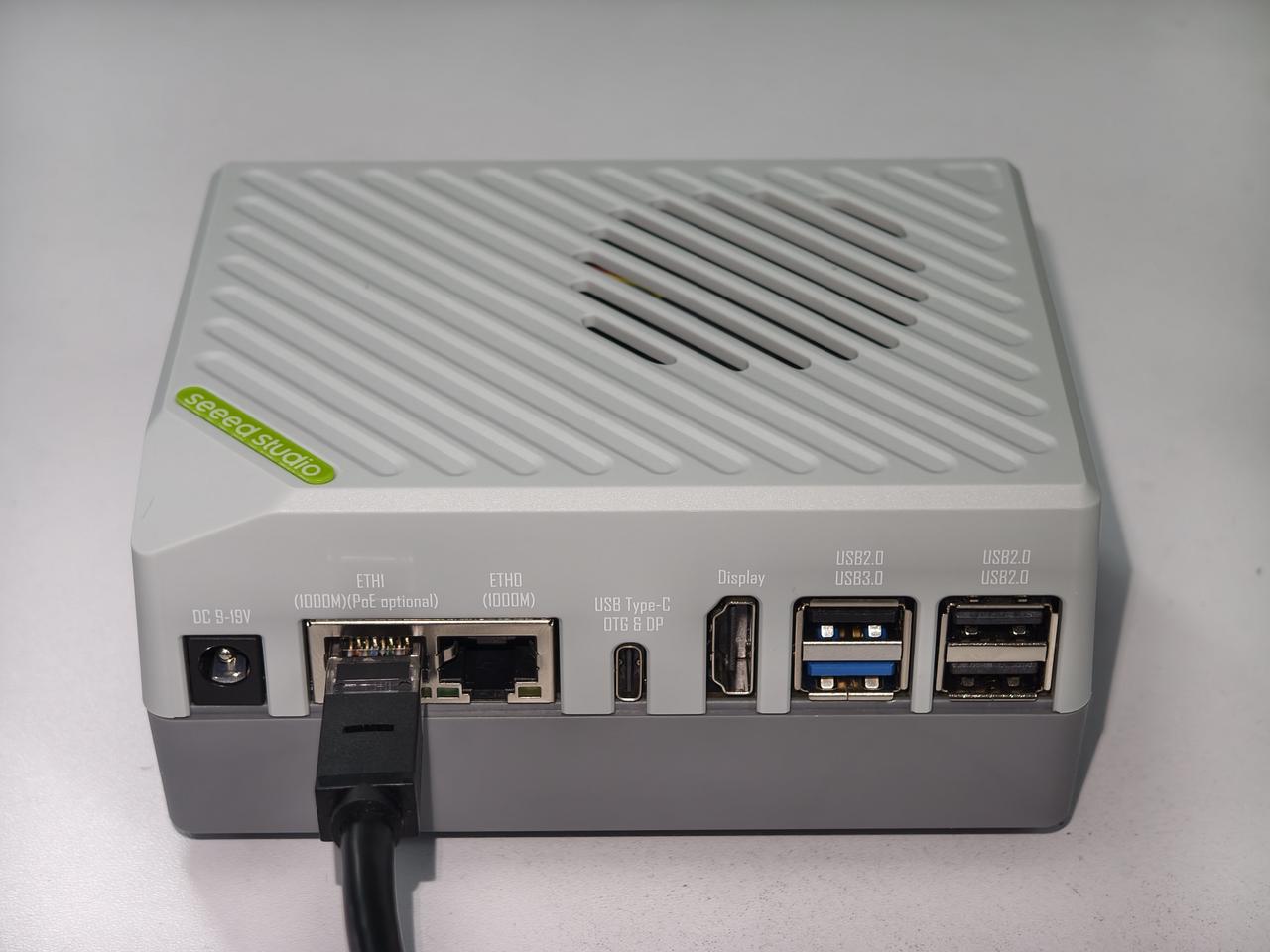
#Connect to the Network
Insert a network cable into the Gigabit Ethernet port for a stable internet connection.
#Connect Power
Finally, plug the power adapter into the DC Jack. The device will power on automatically.
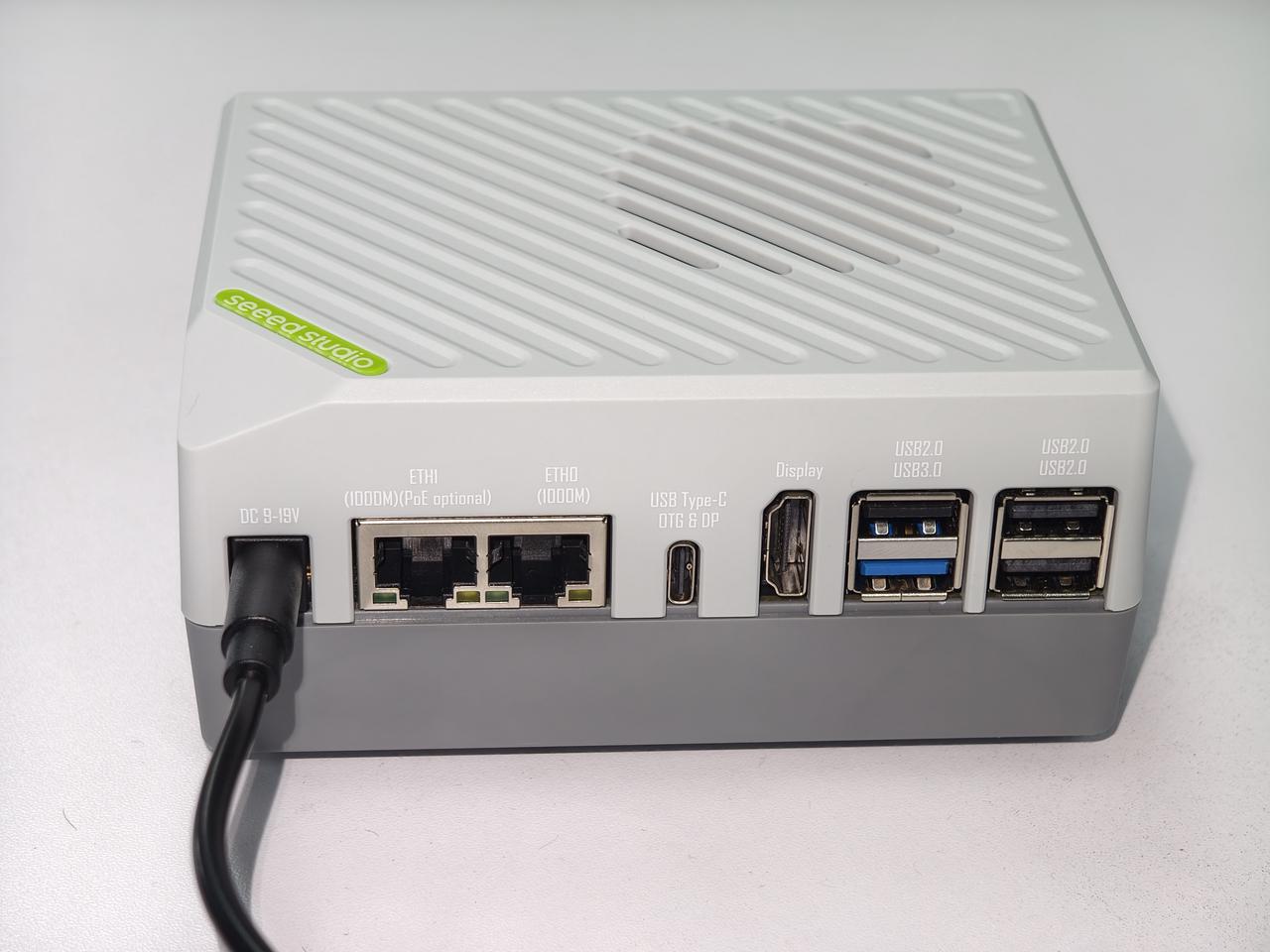
#Interface Overview
Please refer to the image below to identify the location of each port: