Module 5: Offline Large Model Development
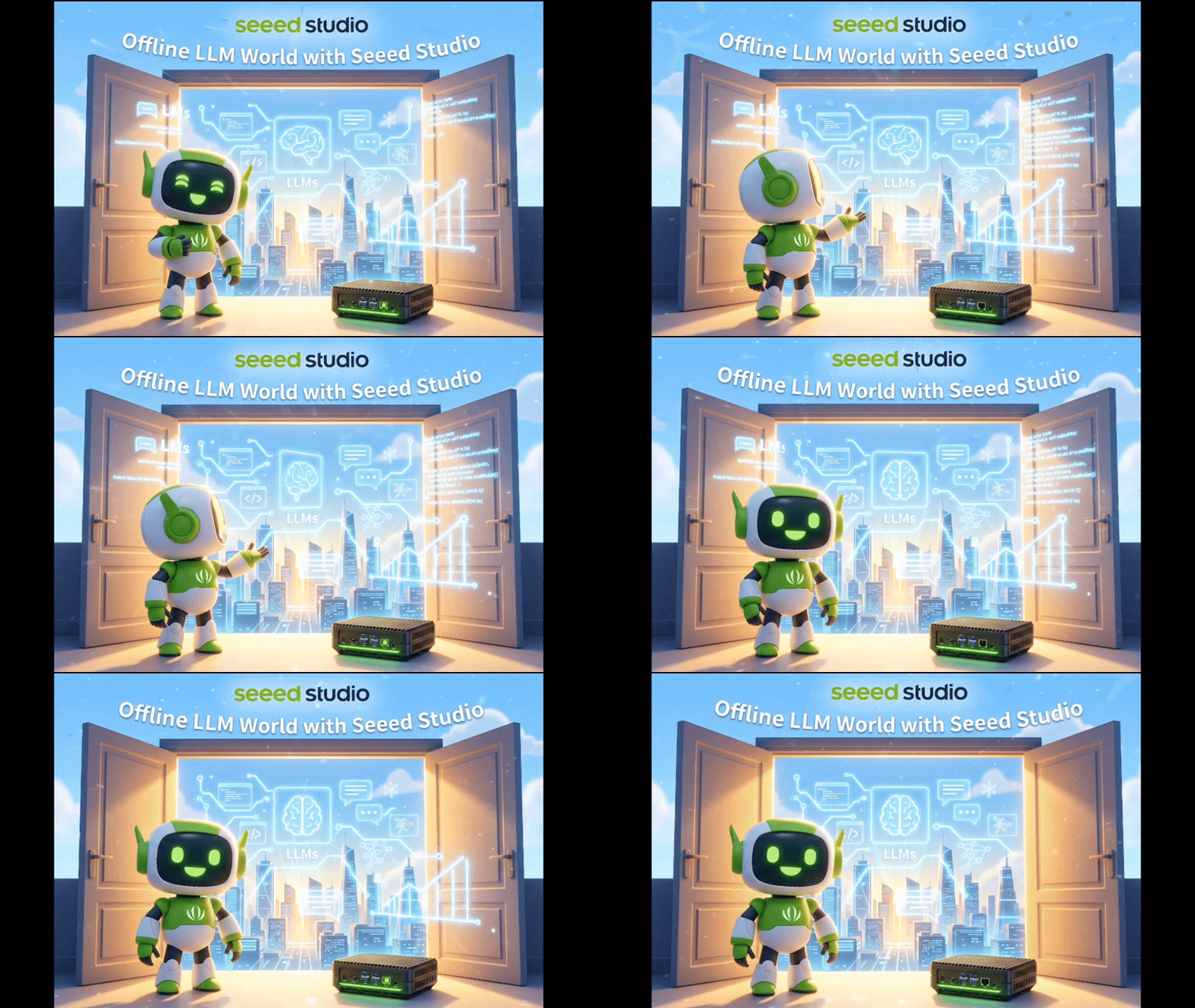
This chapter walks you through running Large Language Models (LLMs) entirely on your Jetson device—no cloud, no API keys, no data leaving your hardware. You'll learn the core ideas behind LLMs, then get hands-on with three popular inference frameworks: Ollama, llama.cpp, and vLLM. By the end, you'll have built a fully offline voice assistant that listens, thinks, and speaks back.
#What You Will Learn
- LLM fundamentals — what models are, how quantization works, and what "tokens" really mean
- Ollama — one-command model deployment for quick experimentation
- llama.cpp — lightweight C/C++ inference with fine-grained control over quantization
- vLLM — production-grade serving with continuous batching and OpenAI-compatible API
- jetson-examples — deploy pre-built AI demos with a single command
- Voice pipeline — combine ASR + LLM + TTS into a complete offline voice assistant
#Course Outline
| Module | Topic | Difficulty |
|---|---|---|
| 5.1 | Introduction to Large Language Models | Beginner |
| 5.2 | Getting Started with Ollama | Beginner |
| 5.3 | Running LLMs with llama.cpp | Intermediate |
| 5.4 | High-Performance Inference with vLLM | Advanced |
| 5.5 | Jetson Examples Quick Start | Beginner |
| 5.6 | Building ASR + LLM + TTS Pipeline | Intermediate |
#Suggested Learning Paths
Pick a path based on your goal:
#Quick Start — Get a model running today
- 5.1 — Introduction to LLMs — build the mental model
- 5.2 — Getting Started with Ollama — first chat in two commands
- 5.5 — Jetson Examples Quick Start — explore pre-built demos
#Framework Deep Dive — Compare inference engines
- 5.1 — Introduction to LLMs
- 5.2 — Ollama — easy setup
- 5.3 — llama.cpp — lightweight & customizable
- 5.4 — vLLM — high-throughput serving
#Voice Assistant — Build something that talks back
- 5.1 — Introduction to LLMs
- 5.2 — Ollama or 5.5 — jetson-examples — get a model running
- 5.6 — ASR + LLM + TTS Pipeline — assemble the full voice loop
#Hardware & Prerequisites
#Minimum Hardware
| Component | Minimum | Recommended |
|---|---|---|
| Device | Jetson Orin Nano 8GB | Jetson Orin NX 16GB Super |
| Storage | 64 GB free | 128 GB+ SSD |
| Swap | 8 GB | 16 GB+ for larger models |
#Before You Start
- Chapter 2 — reComputer Jetson Platform Overview
- Chapter 3 — Basic Tools and Getting Started
- Docker installed and configured (for containerized examples)
- Basic familiarity with the Linux terminal
#Choosing a Model Size
Not sure which model fits your device? Start here:
| Model Size | RAM Needed | Works On | Typical Speed |
|---|---|---|---|
| 1–3B | 4–6 GB | Orin Nano 4 GB+ | Fast, interactive |
| 7–8B | 8–12 GB | Orin Nano 8 GB+ | Moderate, practical |
| 13–14B | 16–24 GB | Orin NX 16 GB+ | Slower, higher quality |
| 35B+ | 48 GB+ | Not recommended single-device | Very slow |
Tip: Start small (3B) to learn the workflow, then scale up once you're comfortable.
#Key Terms
| Term | What It Means |
|---|---|
| LLM | Large Language Model — a neural network trained on massive text data to understand and generate language |
| Inference | Running a trained model to produce outputs from new inputs |
| Quantization | Compressing model weights (e.g. 16-bit → 4-bit) to fit in less memory |
| Context Window | The maximum number of tokens a model can consider at once |
| Token | A chunk of text (word, subword, or character) that the model processes |
| GGUF | A file format for storing quantized models, optimized for llama.cpp |
| ASR | Automatic Speech Recognition — speech to text |
| TTS | Text-to-Speech — text to spoken audio |
#References
- jetson-examples — pre-built AI demos for Jetson
- Ollama — local LLM runner
- llama.cpp — C/C++ inference engine
- vLLM — high-throughput LLM serving
Ready to start? Jump into Module 5.1: Introduction to Large Language Models to understand the fundamentals, or go straight to Module 5.2: Getting Started with Ollama if you want to run your first model right away.