Building ASR + LLM + TTS Pipeline
Introduction
Imagine talking to your Jetson device and receiving spoken responses — just like talking to a friend. An ASR + LLM + TTS pipeline makes this possible by combining three AI capabilities into a complete voice assistant that runs entirely offline:
- ASR (Automatic Speech Recognition): Listen to your voice and convert it to text
- LLM (Large Language Model): Understand and generate intelligent responses
- TTS (Text-to-Speech): Convert the text response back to natural speech
Microphone --> [ASR] --> Text --> [LLM] --> Text --> [TTS] --> Speaker
                  (Whisper)           (Ollama)           (Coqui/Riva)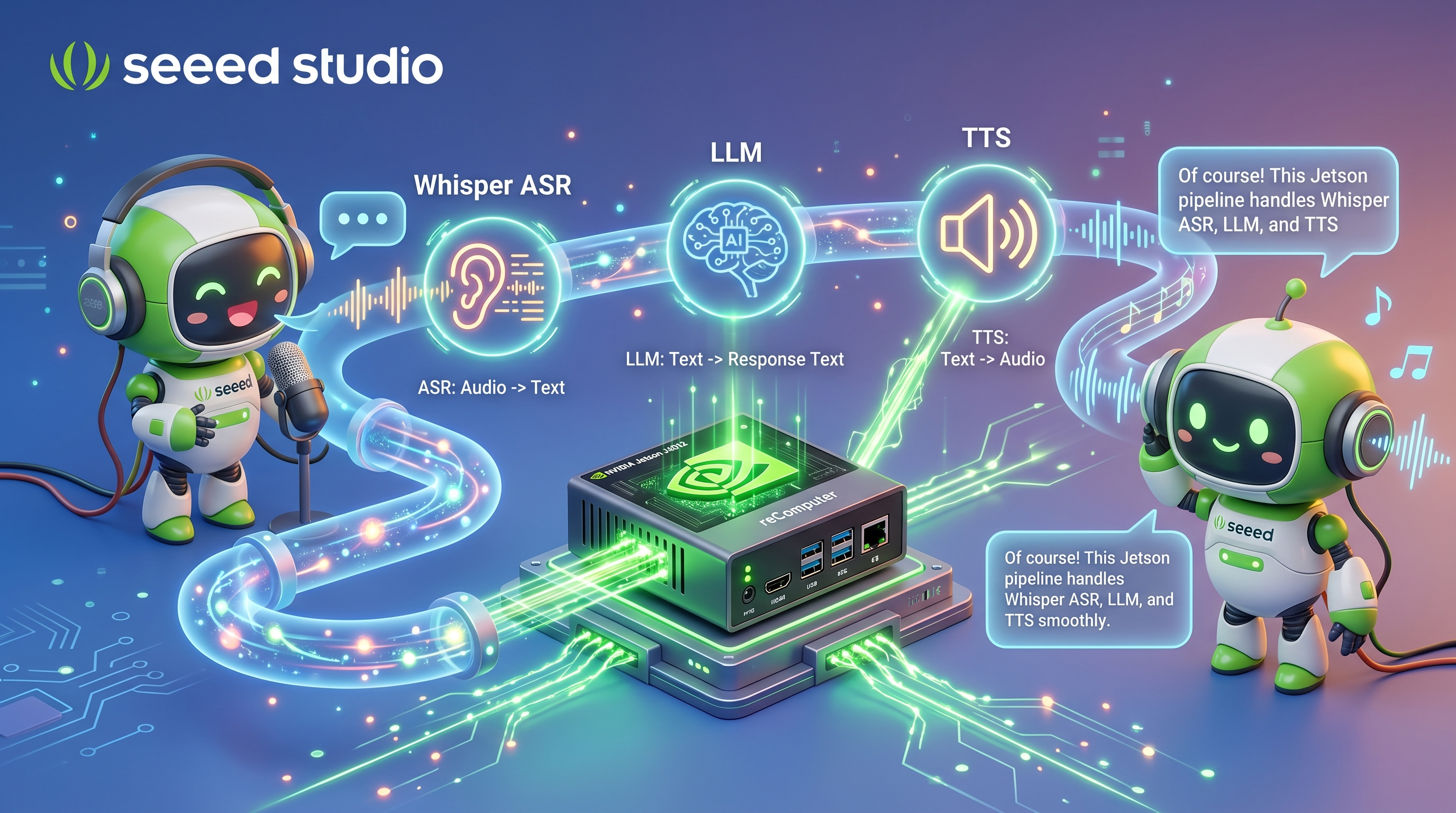
System Requirements
| Component | Minimum | Recommended |
|---|---|---|
| Device | Jetson Orin Nano 8GB | Jetson Orin NX 16GB / AGX Orin 32GB |
| Audio | USB microphone | USB microphone + speakers |
| OS | JetPack 6.2+ | Latest JetPack 6.x |
| Storage | 50GB free | 100GB+ |
Hands-On: Two Ready-to-Run Projects
Below are two complete, tested projects that implement the ASR + LLM + TTS pipeline on Jetson. Pick the one that matches your setup and follow the guide.
Project 1: Voice LLM on reComputer + Reachy Mini
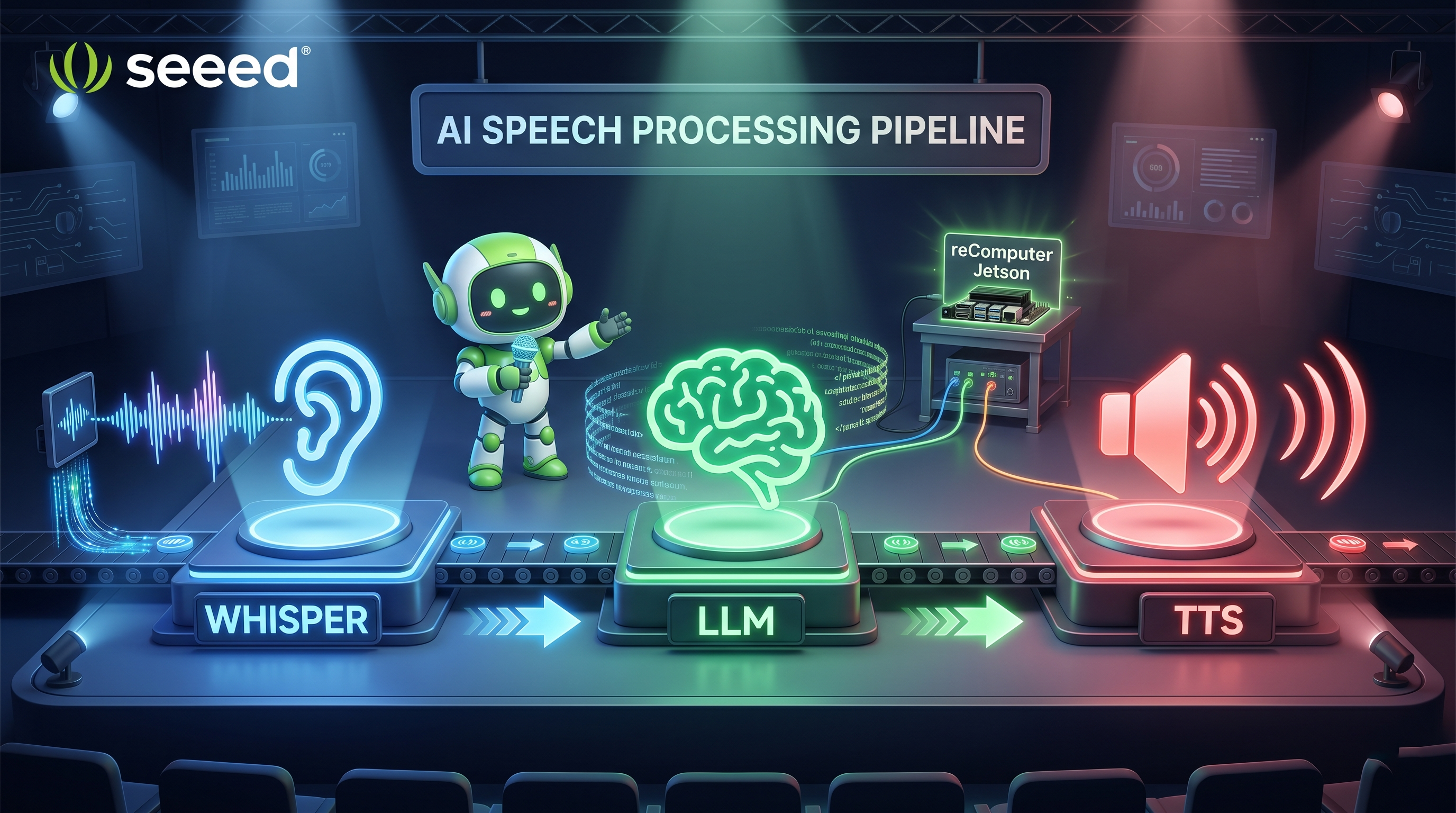
A fully local, low-latency voice-interactive robotic assistant built on reComputer Mini J501 paired with the Reachy Mini Lite open-source robot.
| Component | Technology |
|---|---|
| ASR | FunASR (ModelScope) |
| LLM | Ollama — Qwen2.5 7B |
| TTS | Coqui TTS — Tacotron2-DDC-GST |
| Hardware | reComputer Mini J501 + Reachy Mini Lite |
Quick Start:
# Step 1: Install Ollama and pull the LLM
curl -fsSL https://ollama.com/install.sh | sh
ollama pull qwen2.5:7b

# Step 2: Clone the project and install dependencies
git clone https://github.com/Seeed-Projects/reachy-mini-loacl-conversation.git
cd reachy-mini-loacl-conversation
pip install -r requirements.txt -i https://pypi.jetson-ai-lab.io/
pip install "reachy-mini"

# Step 3: Start the Reachy Mini daemon (Terminal 1)
reachy-mini-daemon

# Step 4: Launch the voice assistant (Terminal 2)
export OLLAMA_HOST="http://localhost:11434"
export OLLAMA_MODEL="qwen2.5:7b"
export COQUI_MODEL_NAME="tts_models/zh-CN/baker/tacotron2-DDC-GST"
export DEFAULT_VOLUME="1.5"
python main.py
Press R to start recording, S to stop. The system will process your speech and respond with a spoken answer.
For the full walkthrough, see: Deploy Local Voice LLM on reComputer Jetson for Reachy Mini
Project 2: Local Voice Chatbot with NVIDIA Riva + Llama2
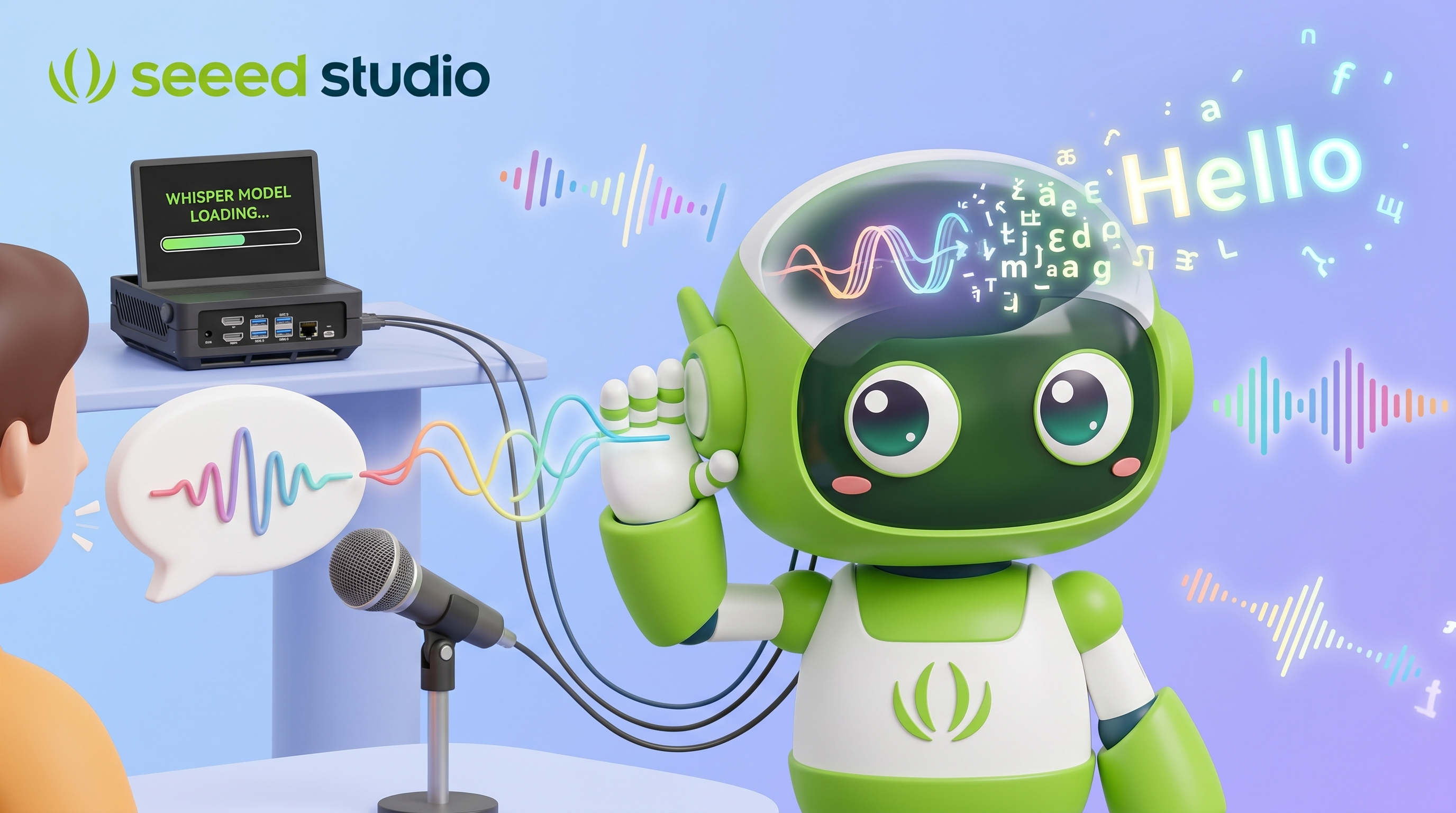
A complete voice chatbot using NVIDIA Riva for ASR/TTS and Llama2 7B for language generation, running entirely on a Jetson AGX Orin with no cloud dependency.
| Component | Technology |
|---|---|
| ASR + TTS | NVIDIA Riva — Conformer ASR + FastPitch/HiFiGAN TTS |
| LLM | Llama2 7B Chat via text-generation-inference |
| Audio | ReSpeaker USB Mic Array |
| Hardware | Jetson AGX Orin 32GB |
Quick Start:
# Step 1: Install Riva Server (requires NGC CLI + API key)
# Download and configure riva_quickstart_arm64:2.13.1
# Edit config.sh: enable ASR + TTS, disable NLP/NMT
sudo bash riva_init.sh    # Download models (~5 min)
sudo bash riva_start.sh   # Start Riva server (keep running)

# Step 2: Start LLM inference server (Terminal 2)
# Using dusty-nv/jetson-containers + text-generation-inference
# Model served on port 8899

# Step 3: Run the chatbot demo (Terminal 3)
python3 local_chatbot.py --input-device <id> --output-device <id>
# Use --list-input-devices / --list-output-devices to find your audio device IDs
Three terminals run simultaneously: Riva server, LLM server, and the chatbot demo.

For the full walkthrough, see: Local Voice Chatbot: Deploy Riva and Llama2 on reComputer
Comparison
| Project 1 (Reachy Mini) | Project 2 (Riva + Llama2) | |
|---|---|---|
| ASR | FunASR | NVIDIA Riva |
| TTS | Coqui TTS | NVIDIA Riva |
| LLM | Qwen2.5 7B (Ollama) | Llama2 7B (TGI) |
| Min RAM | 8GB | 16GB |
| Special HW | Reachy Mini Lite robot | ReSpeaker USB Mic Array |
| Language | Chinese (configurable) | English |
| Difficulty | Easy | Intermediate |
References
- Jetson AI Lab — NVIDIA's official platform for AI on Jetson
- FunASR — speech recognition toolkit
- Coqui TTS — open-source text-to-speech
- NVIDIA Riva — GPU-accelerated speech AI SDK
- Ollama — local LLM inference engine
Congratulations! You've completed Module 5 and learned how to run LLMs offline on your Jetson device and build a complete voice assistant pipeline!
Next: Proceed to Chapter 6: Generative AI Applications or return to Chapter 5 Overview.