Action Library
The Action Library is used to record and replay independent robotic arm actions. It is suitable for fixed actions, demonstration actions, or standalone action snippets.
Record an Action
Section titled “Record an Action”-
Confirm that the follower arm has been bound in Device Setup.
-
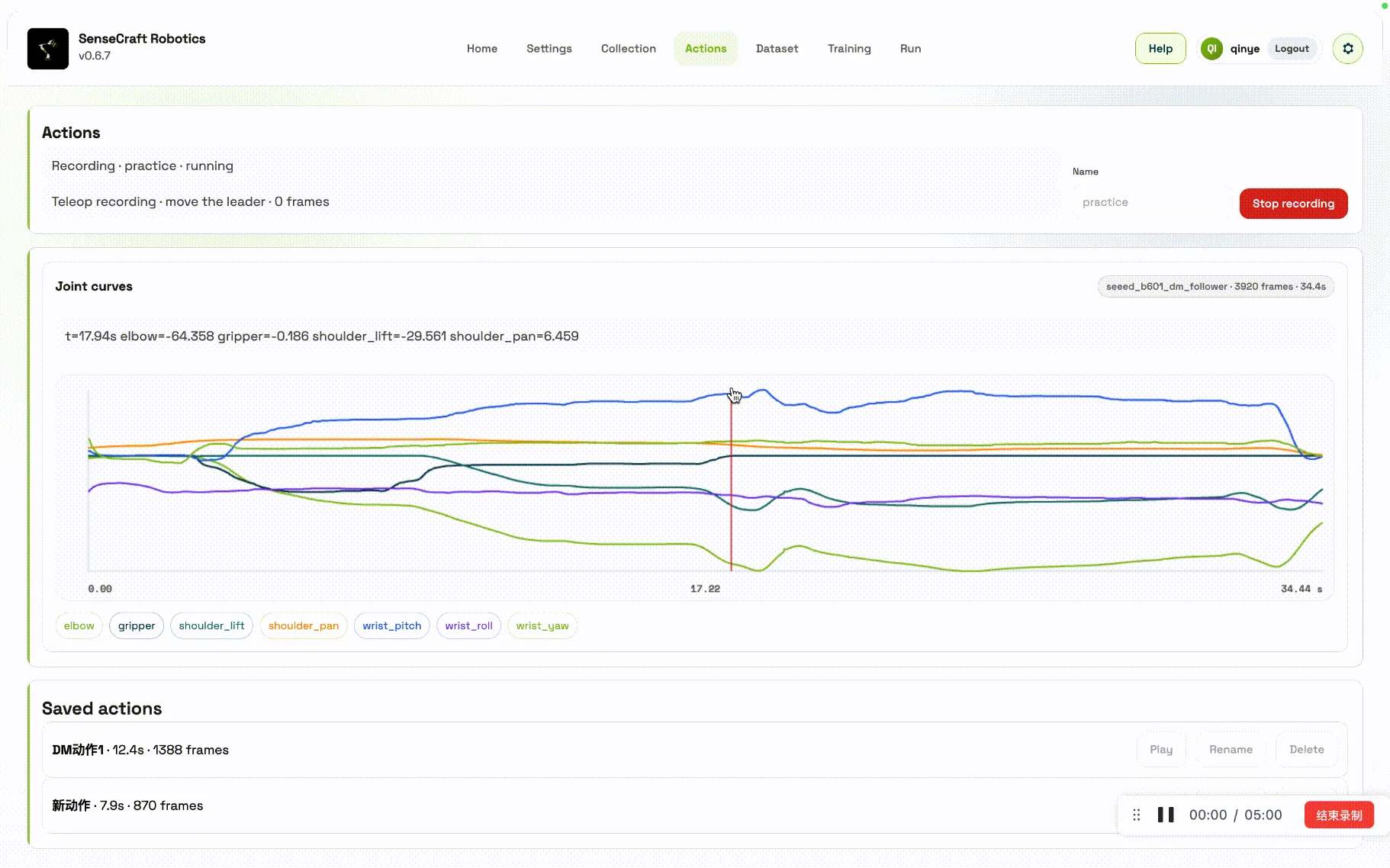
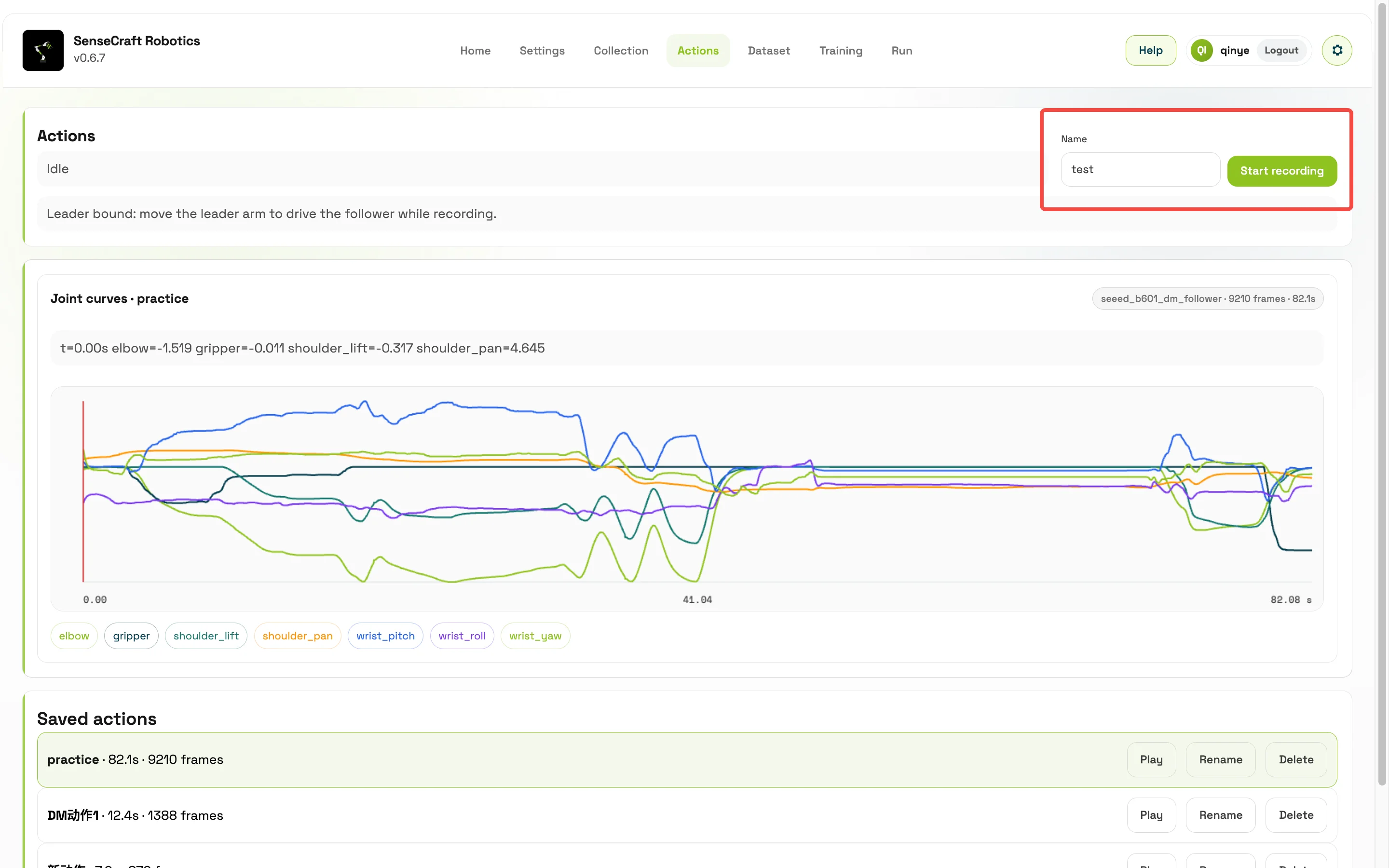
Enter an action name. The name must not duplicate an existing action.
-
Click Start Recording.
-
Record the action based on the current device configuration:
- If the leader arm is bound, move the leader arm to drive the follower arm and record.
- If the leader arm is not bound, manually drag the follower arm to record.
-
Click stop to save the action.
View and Manage Actions
Section titled “View and Manage Actions”The Action Library supports:
- Viewing saved actions
- Viewing joint curves
- Replaying actions
- Stopping replay
- Deleting or renaming actions
- Viewing action logs
Before replay, move the follower arm to a safe neutral posture and confirm that there are no people or obstacles in the workspace.