CodeCraft
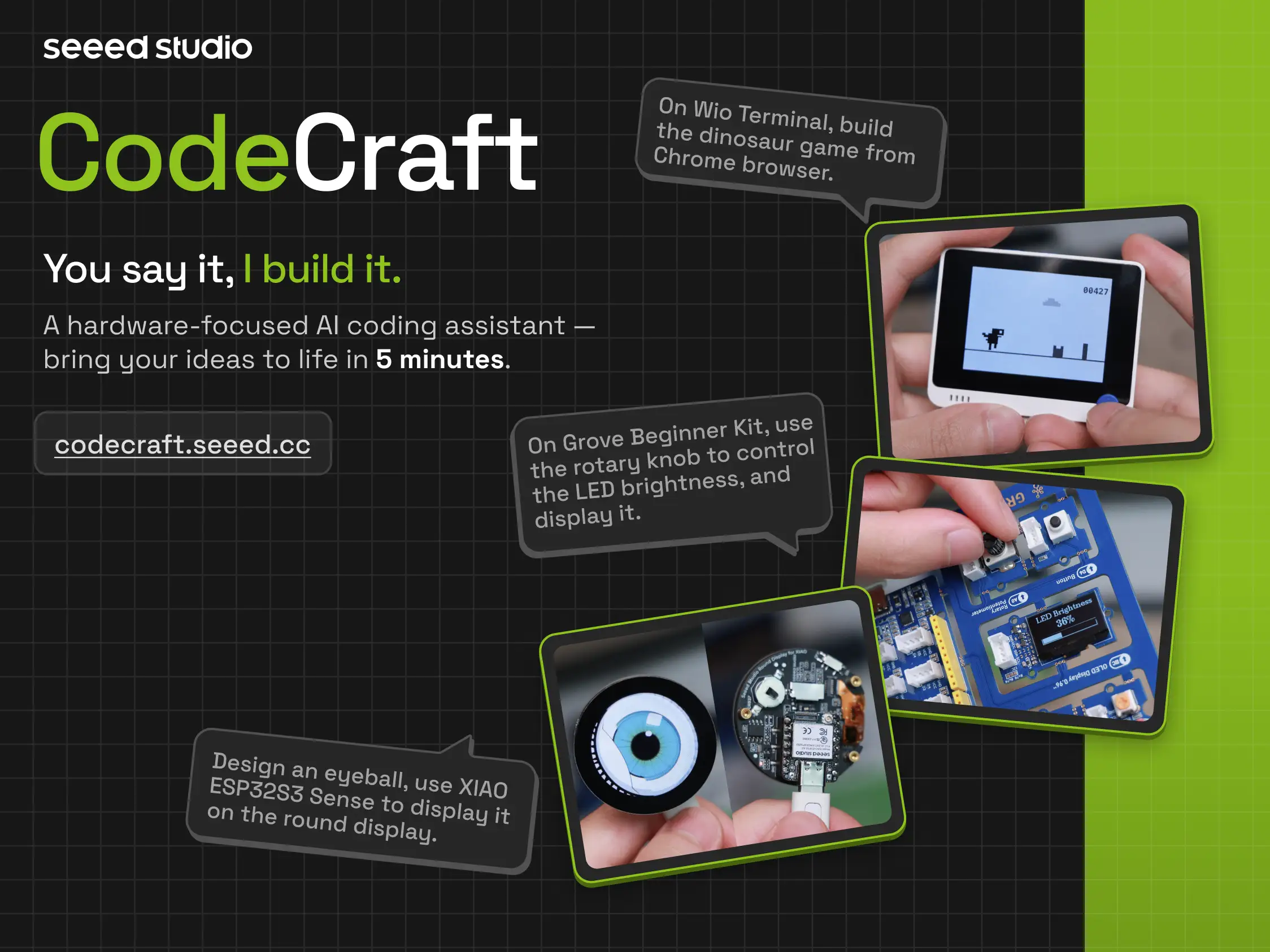
Welcome to CodeCraft. This guide will help you quickly understand the platform, complete account preparation, and start using CodeCraft for zero-code project creation, community project reuse, and publishing your works.
Documentation Contents
Section titled “Documentation Contents”Recommended for first-time CodeCraft users.
This section includes:
- Introduction to CodeCraft
- Preparation and login
- Purchase and activation of CodeCraft membership
- Billing and usage management
- Help and support
Recommended for users who want to start building projects.
This section includes:
- Hands-on zero-code project creation
- Understanding the conversational workspace
- Hardware selection
- Describing project requirements
- Code generation, flashing, and debugging
- Project examples: Pomodoro Timer, The Terminal Pomodoro Timer, ESP32S3 blinking heart LED, and Beginner Kit button-controlled LED
Recommended for users who have completed projects and want to browse, reuse, or publish their works.
This section includes:
- What the Application Gallery can do
- Browsing and reusing community projects
- Preparation before publishing
- Publishing a new application
- Editing application content
- Application information, documentation, bill of materials, and preview & publishing
- Sharing works with the community
Recommended for users who want to apply CodeCraft in teaching, curriculum design, or technology education training.
This section includes:
- Complete education solution
- Teacher and student management and teaching workflow support