Sign in with a Course Code
A course code is a shareable code your teacher or school gives you. With it you can use CodeCraft without an account or password — no sign-up, just the code. Course codes are created and managed by your school’s administrators; see Course Code Management if you are the one managing them.
Sign-in steps
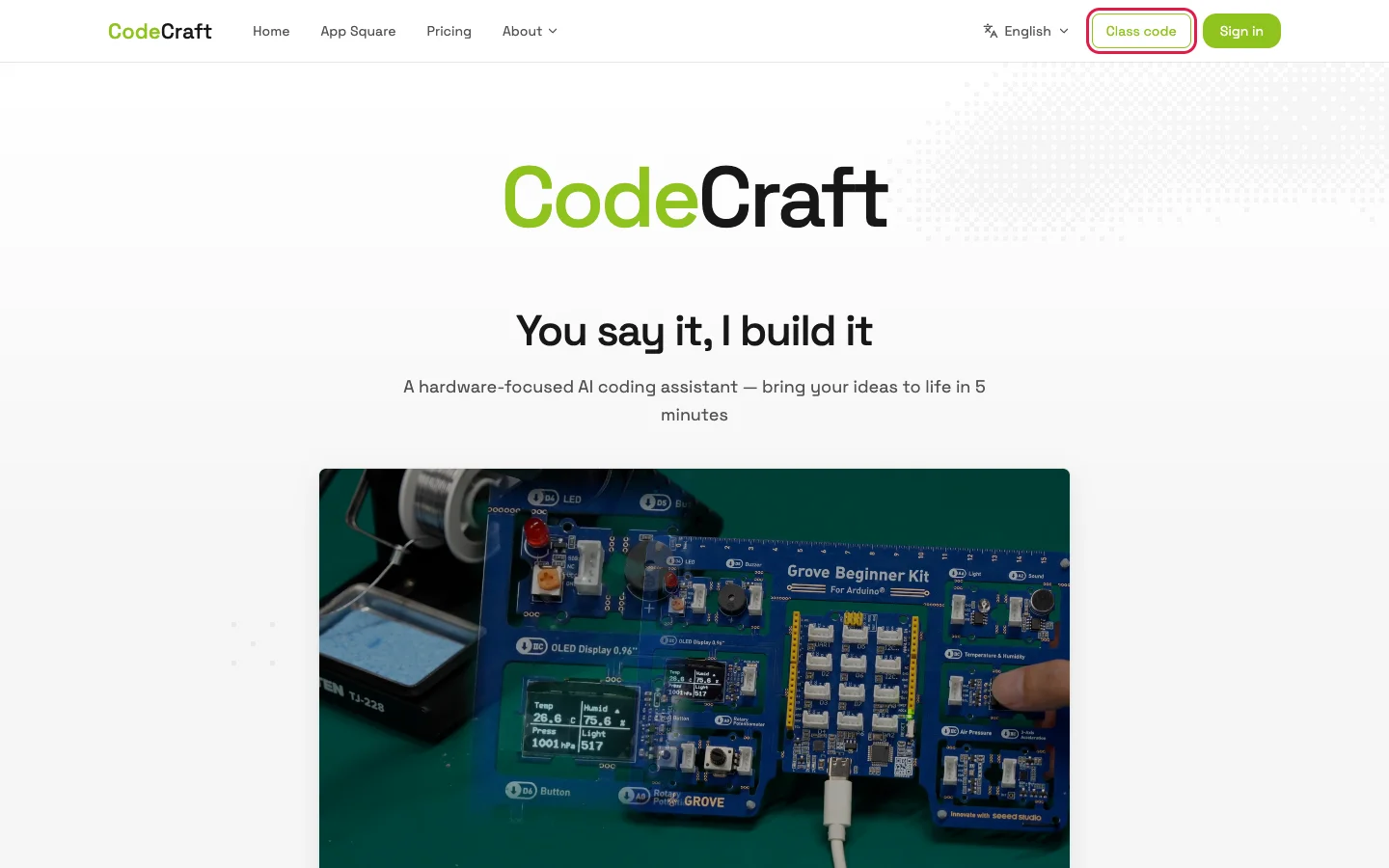
Section titled “Sign-in steps”- In a browser, open CodeCraft and click the Class code button in the top navigation bar.
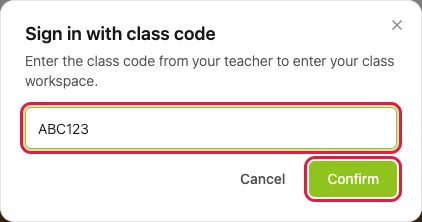
- In the pop-up, enter the course code, then click Confirm.
- You go straight into the CodeCraft workspace and can start creating. Your usage counts against the course code’s seats.
If the code does not work
Section titled “If the code does not work”If a message appears when you enter the code, see the FAQ table in Course Code Management — it lists each message, what it means, and what to do. Most of the time the fix is on the teacher’s side: checking the code, raising the seat count, or extending the end time.